Accounting: customers, items, quotes and invoices
Bill your customers and track payments.
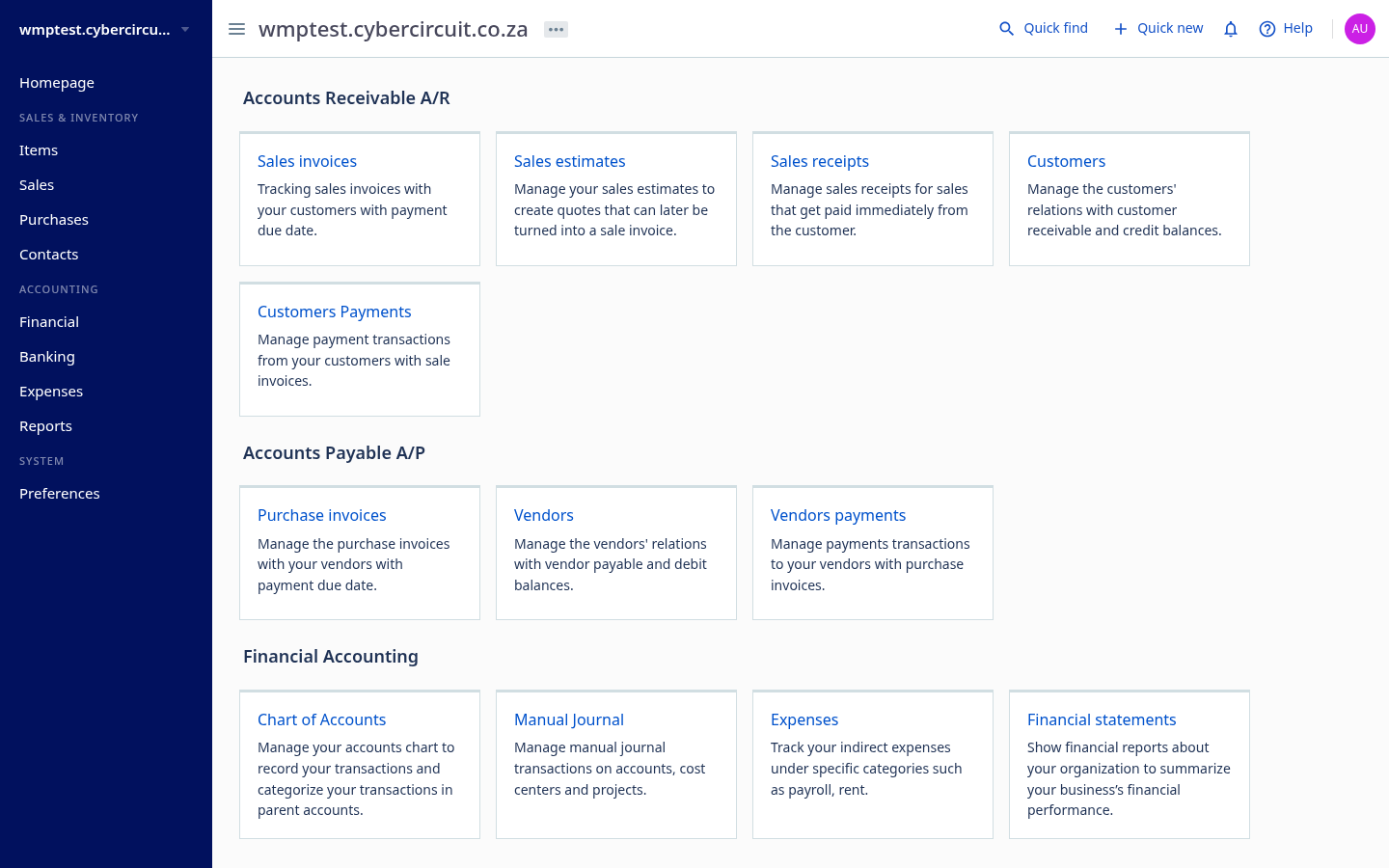
Open Accounting in the left rail (or sign in directly with your email and password).
Customers
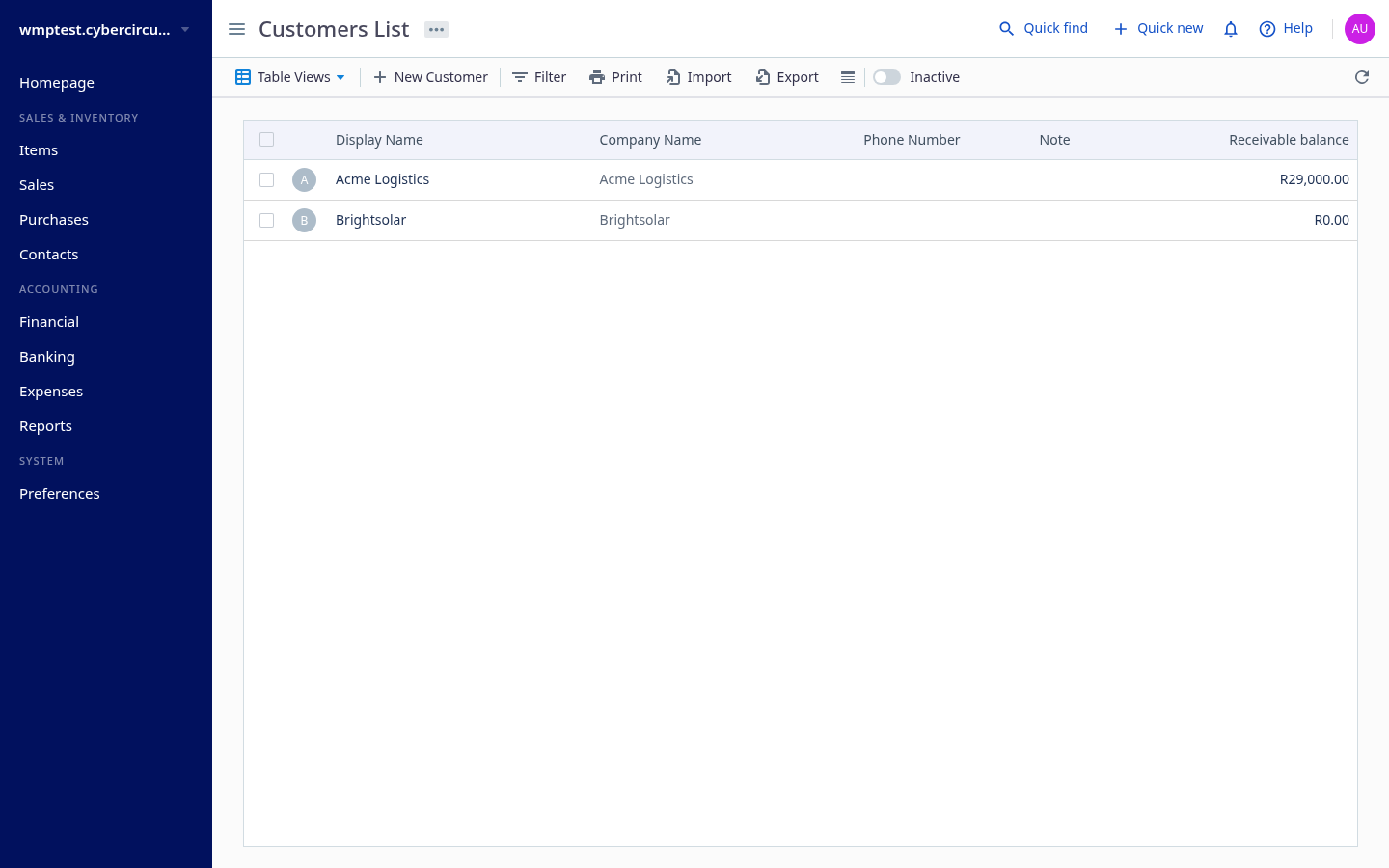
Sales › Customers › New Customer. Enter the company, contact person, email and billing address.
Items (products and services)
Sales & Inventory › Items › New Item. Set the name, selling price and income account. Items speed up quotes and invoices.
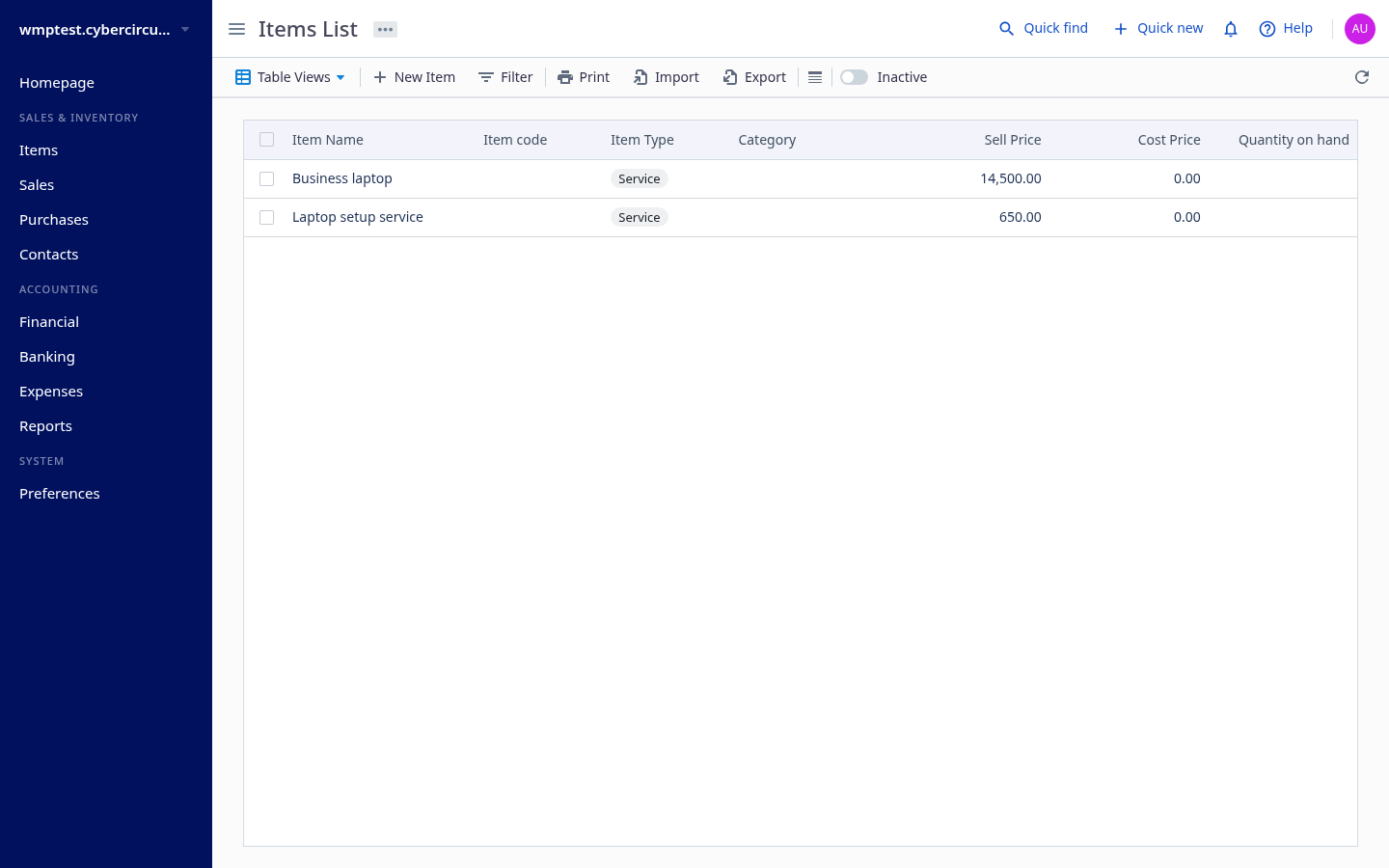
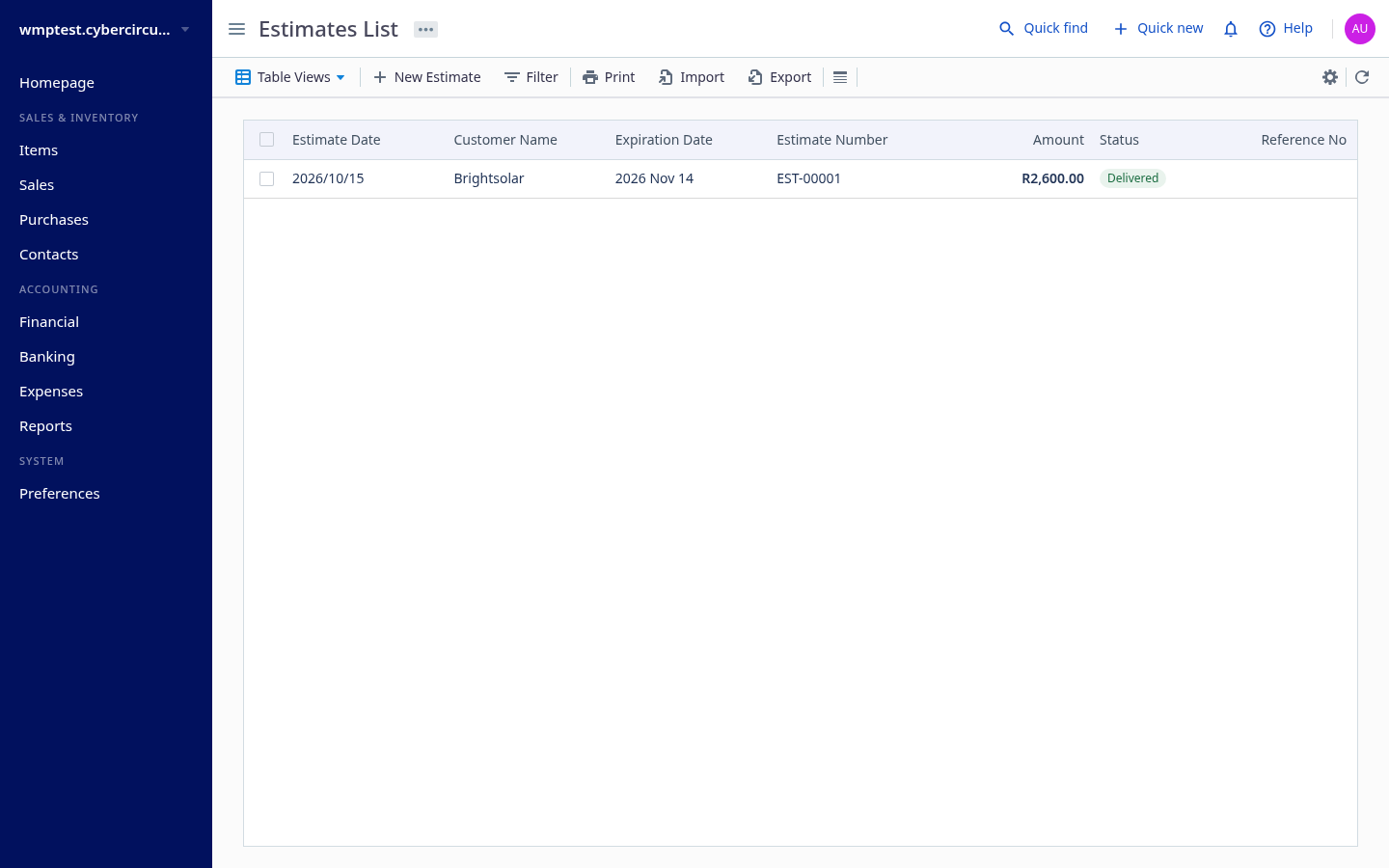
Quotes (estimates)
- Sales › Estimates › New Estimate.
- Choose the customer, add items and quantities, and set the expiry date.
- Save, then email it, or send it for e-signature from Docs › Sign (see E-signatures).
- Once accepted, convert it to an invoice.
Invoices
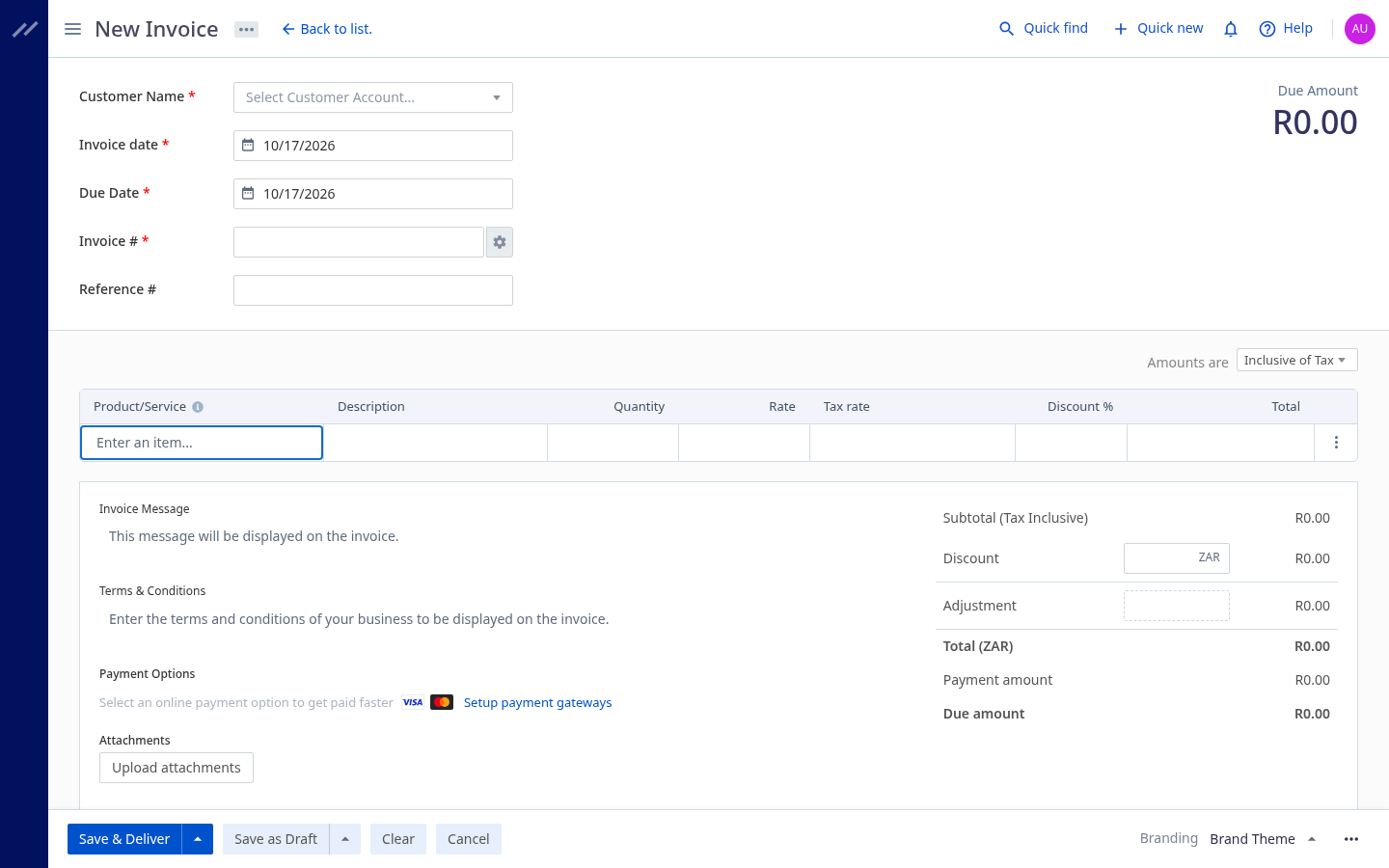
- Sales › Invoices › New Invoice (or convert a quote).
- Choose the customer, items, invoice date and due date.
- Save and Send Mail, or Print to PDF.
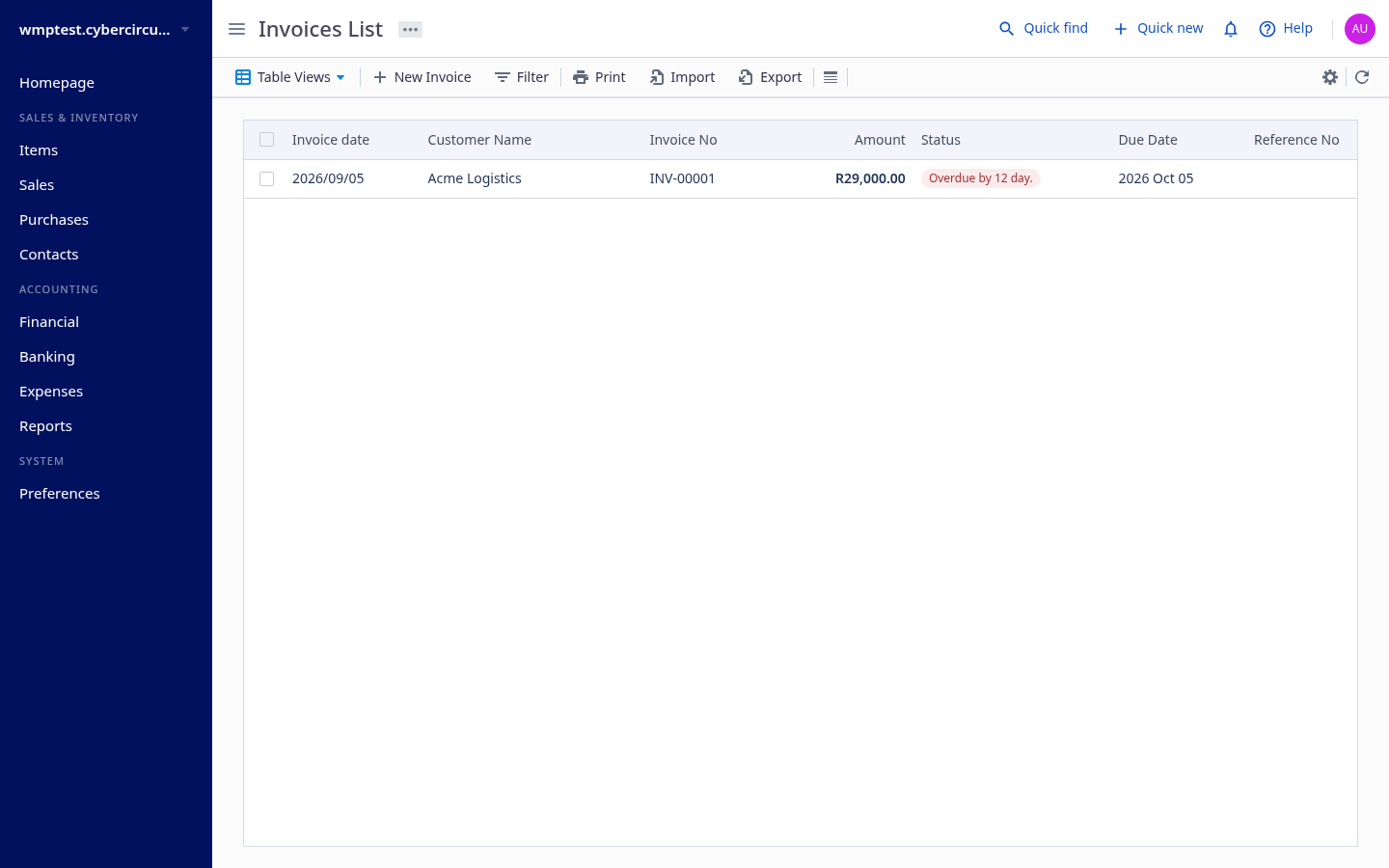
- Record payments with Add Payment. Overdue invoices are flagged.