Products and services
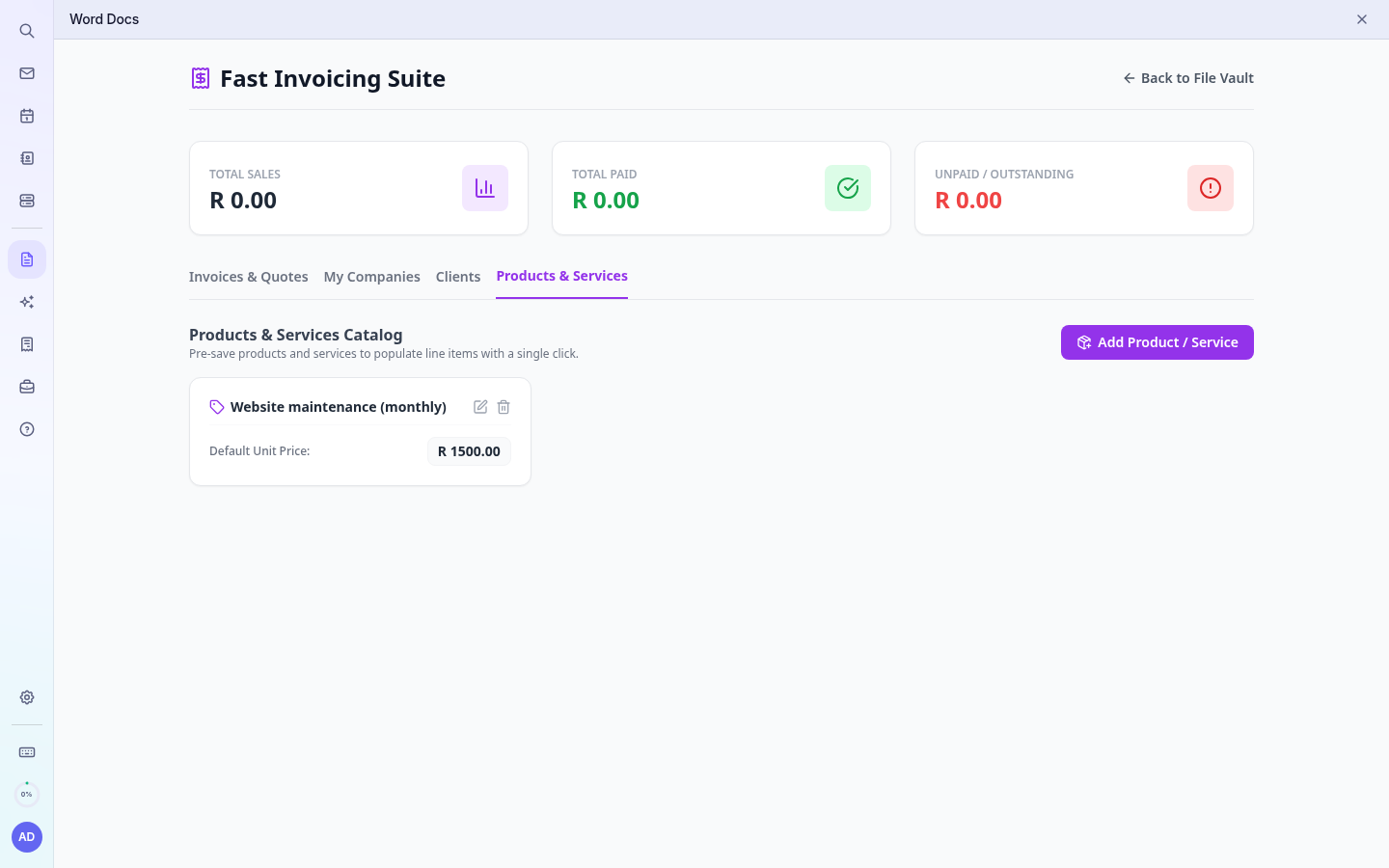
Saved items and prices.
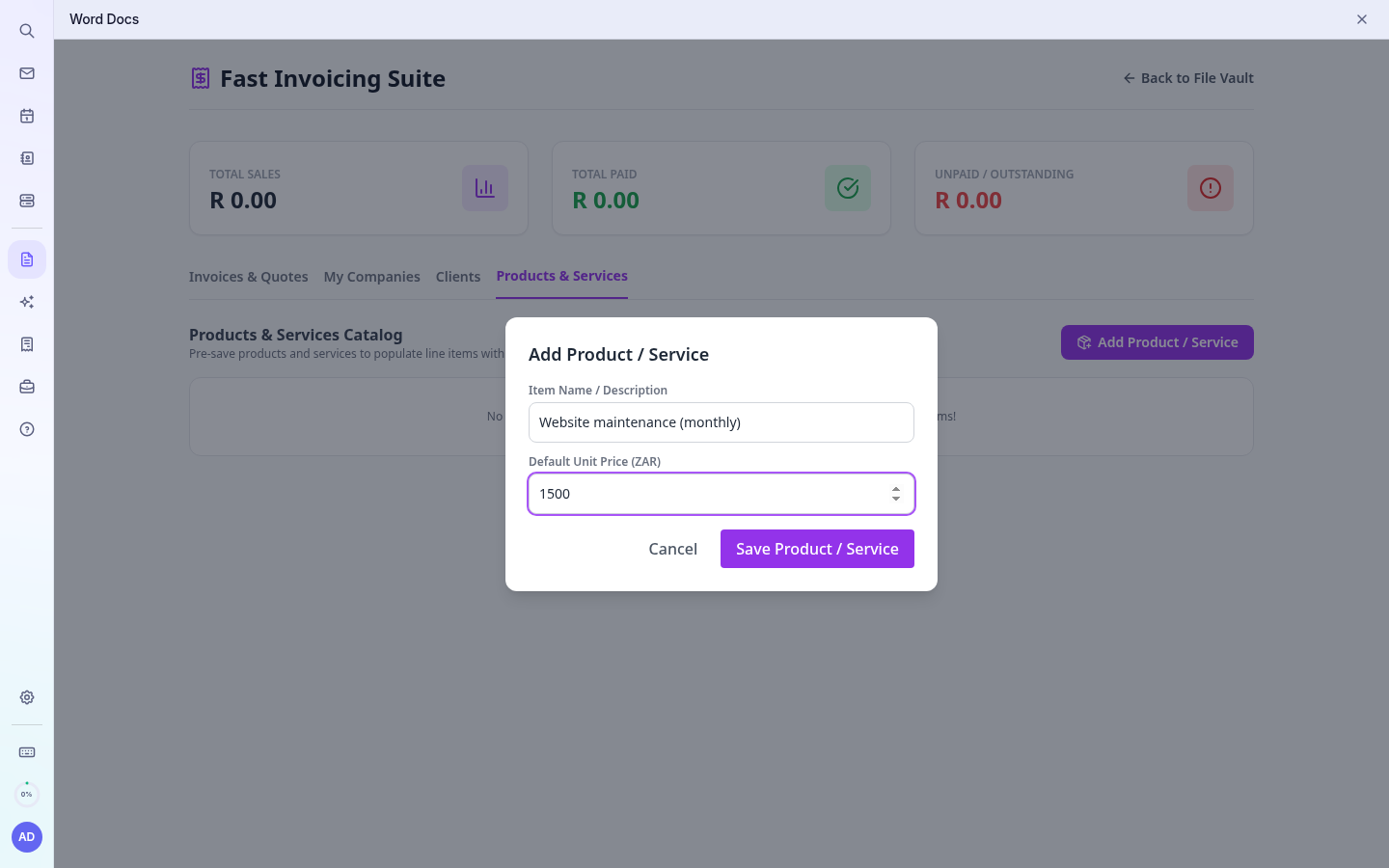
- Open Products & Services › Add Item.
- Enter the name (as it should appear on the invoice) and the price excluding VAT.
- Save. On a document, choose the item from the line's drop-down to fill in the description and price.