WorkMail Pro
Guides
Getting started
Welcome to WorkMail Pro
Plans and tiers
Webmail
Reading and writing email
Folders, tags and filters
Signatures and identities
Contacts and calendar
Phones, tablets and Outlook (IMAP/SMTP)
AI
AI Writing Assistant
AI Assistant (search, actions and Confirm cards)
Docs & e-signatures
Docs
E-signatures
Online booking
Online booking pages
Share your booking link, widget and email link
Deposits with your own PayFast or Yoco account
Invoicing
Invoicing in Docs: overview
Set up your company
Clients
Products and services
Create and send quotes and invoices
Get paid online with PayFast or Yoco
Track payments
Invoicing or Accounting?
Accounting
Accounting: customers, items, quotes and invoices
PayFast and Yoco details on invoices
CRM
CRM basics
Admin & security
Users and mailboxes (admin)
Passwords and two-factor authentication
Help
Troubleshooting and FAQ
Contact support
Clients
Save the customers you bill.
Open
Clients
›
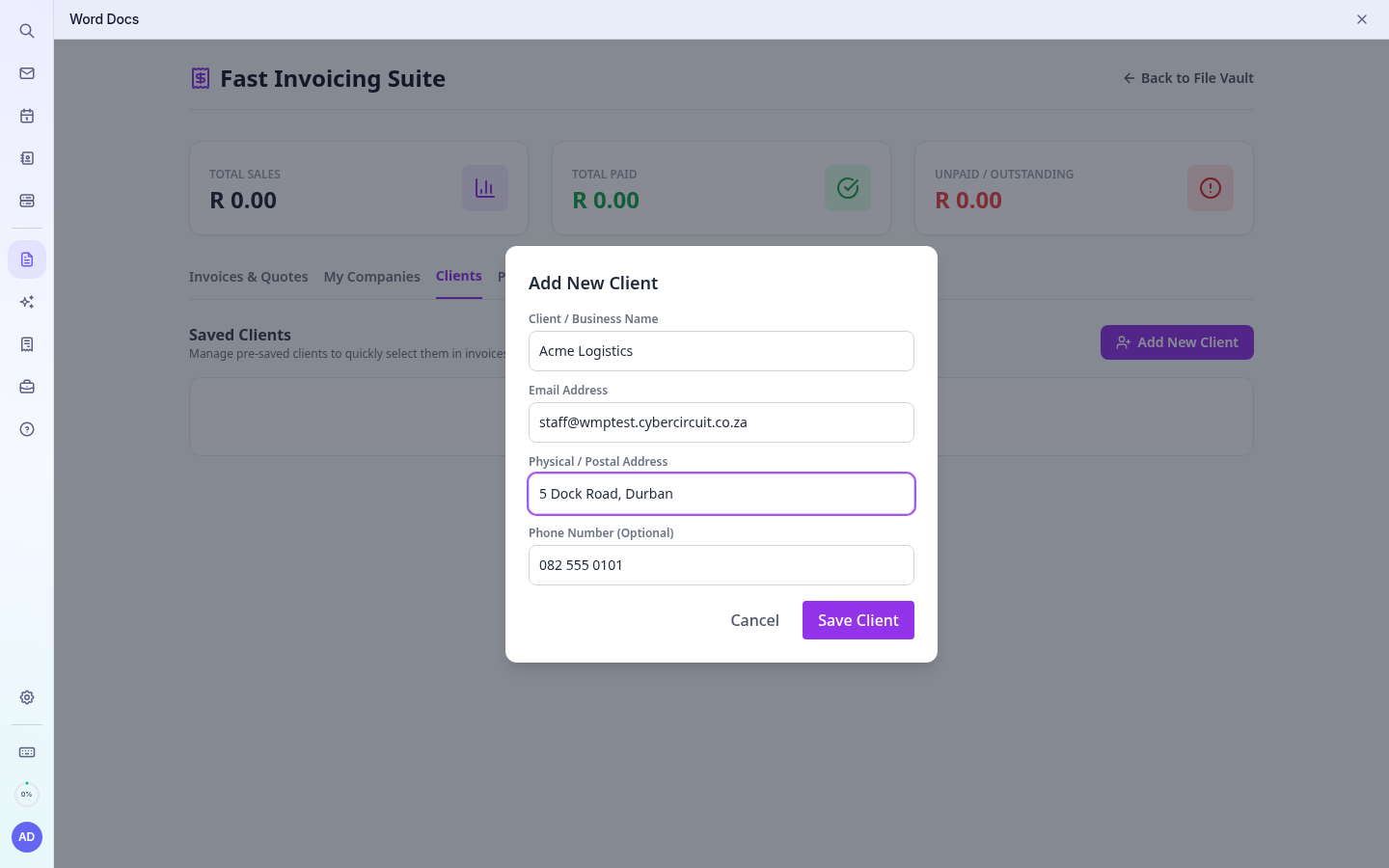
Add Client
.
Enter the name, email, phone and address.
Save. When you create a document, pick the client from
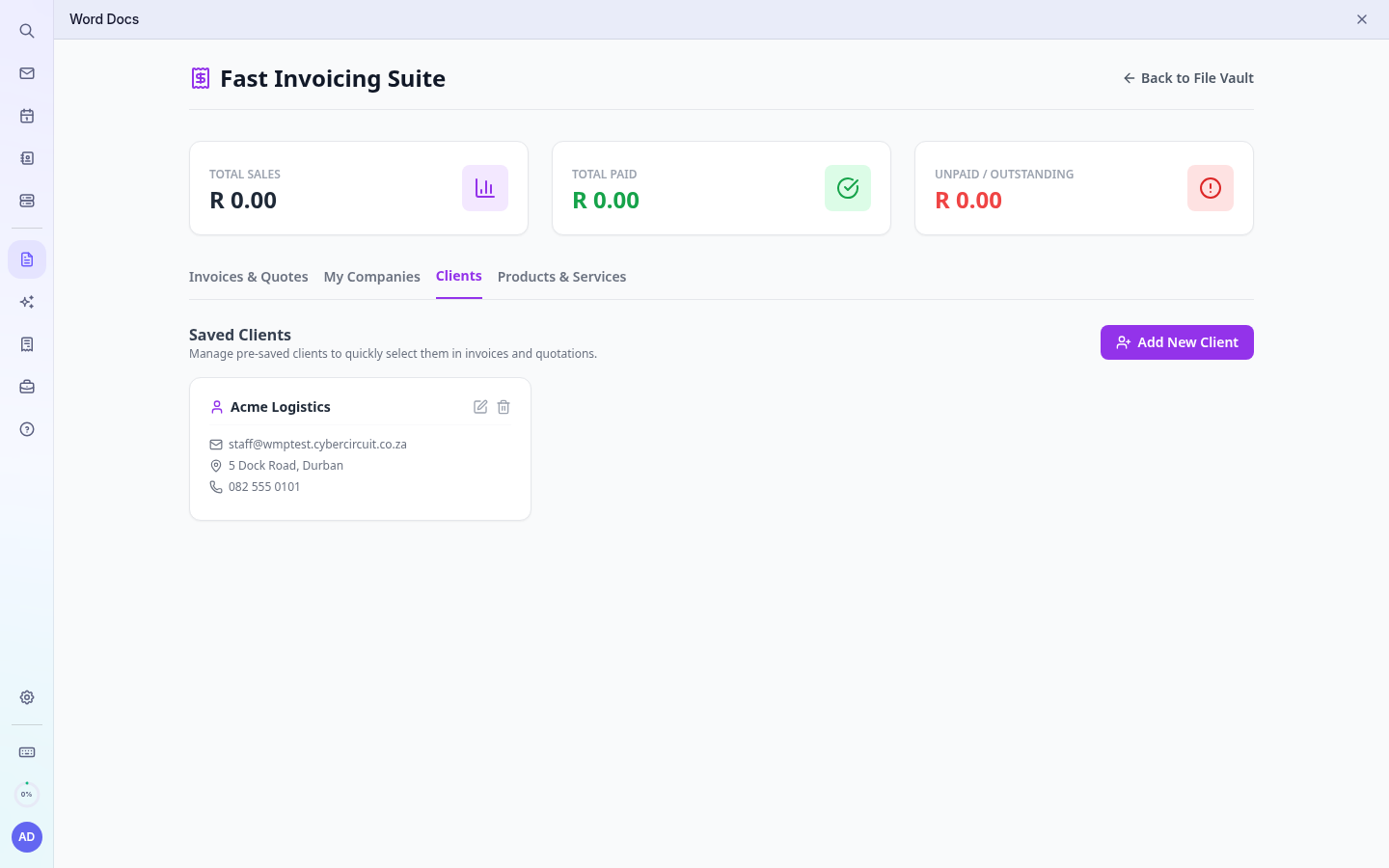
Saved client
and their details fill in automatically.
Adding a client
Saved clients