Welcome to WorkMail Pro
What is included and how to sign in for the first time.
WorkMail Pro is your business email plus a set of connected business apps, all in one place:
| App | What it does |
|---|---|
| Webmail | Email, calendar, contacts and files for every mailbox. |
| AI Writing Assistant | Rewrites, shortens, fixes and translates emails while you compose. |
| AI Assistant | Ask questions about your mail, calendar, invoices, CRM and signatures, and let it prepare actions for you to confirm. |
| Docs | Create and edit documents, spreadsheets and presentations, and send files for e-signature. |
| E-signatures | Send documents and quotes for legally recognised electronic signature. |
| Online booking | Public booking pages linked to your calendar, with optional deposits. |
| Accounting | Quotes, invoices, customers, items and payments. |
| CRM | Contacts, leads, activities and your booking pages. |
Sign in
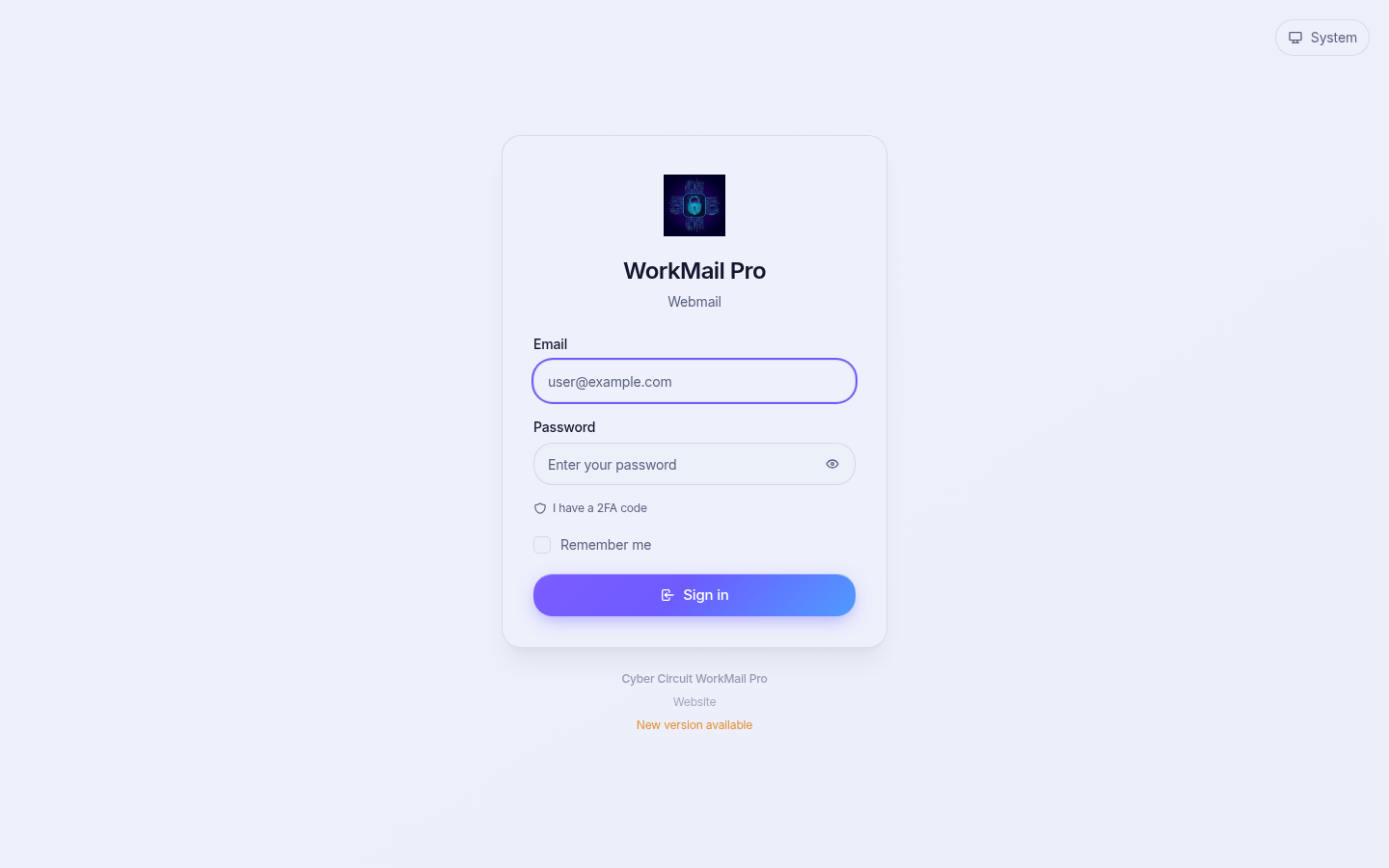
- Open https://workmail.cybercircuit.co.za in your browser.
- Enter your full email address (for example
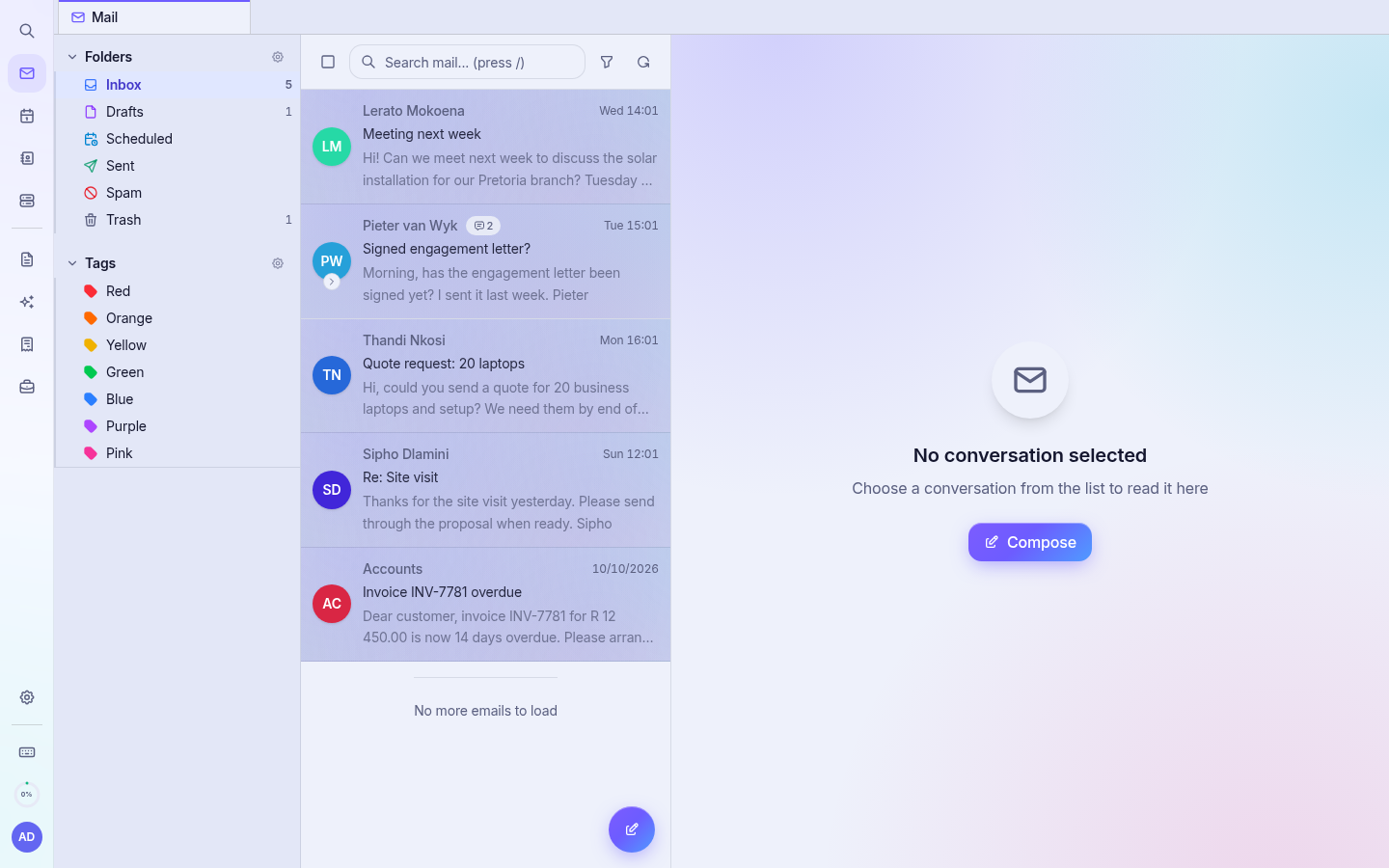
you@yourcompany.co.za) and your password. - Click Sign in. Your inbox opens.
One password for every app
Your mailbox email address and password also sign you in to Accounting and CRM. When you change your password (see Security), use the new password everywhere. Docs and the AI settings page may ask you to confirm your password once to link your account.
Tip: Bookmark the webmail address. Everything else opens from the left rail, so you never need separate links.
Which features do I have?
Some apps depend on your plan. See Plans and tiers.