Folders, tags and filters
Organise mail automatically.
Folders and tags
Folders are listed on the left (Inbox, Drafts, Scheduled, Sent, Spam, Trash and your own folders). Tags (colours) can be added to any message from the Tag button. Manage both under Settings › Folders and Settings › Tags.
Filters (rules)
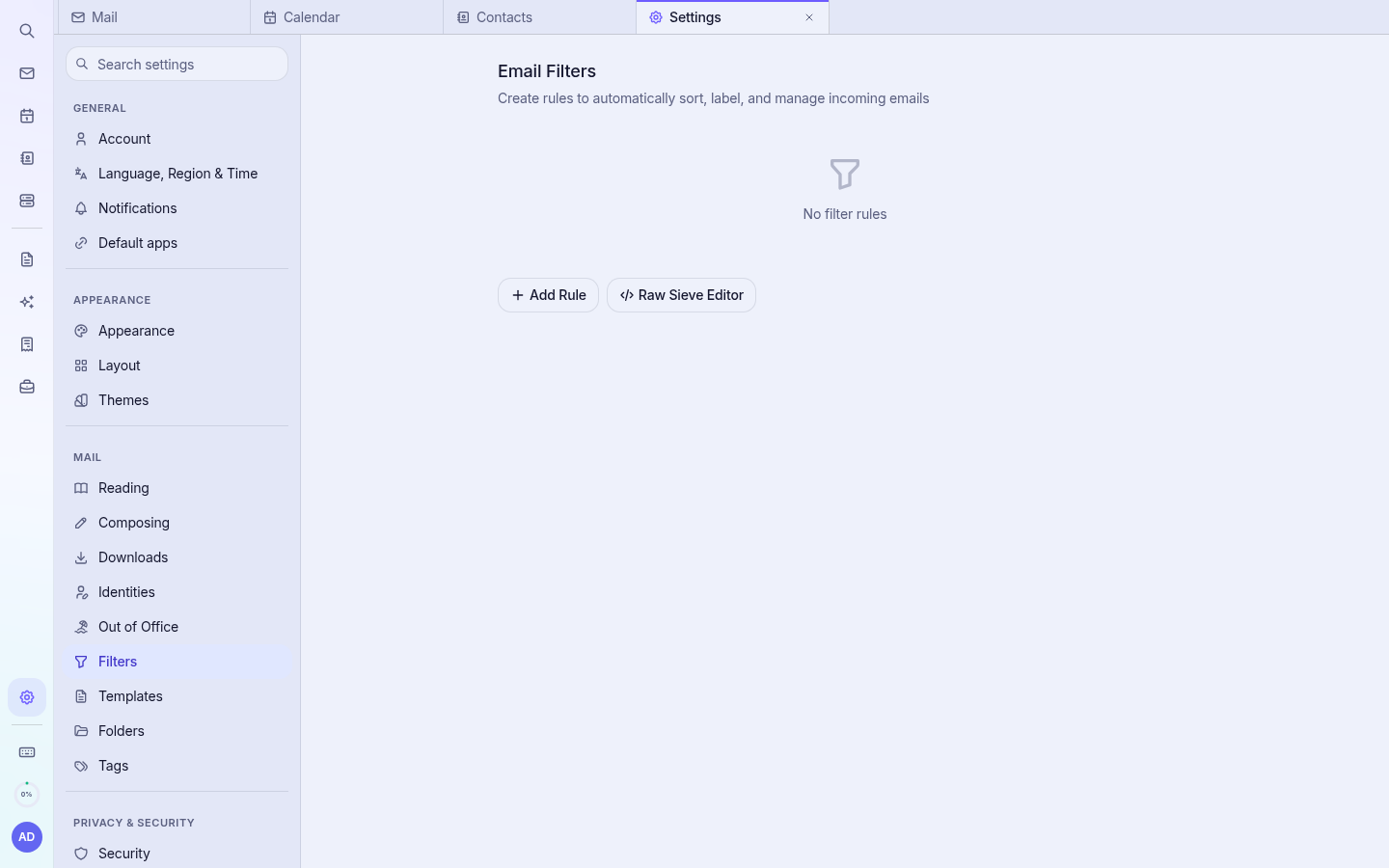
- Open Settings (gear icon at the bottom of the rail).
- Choose Filters.
- Create a rule, for example: if From contains “invoices@” then move to folder “Accounts”.
- Save. New incoming mail is sorted automatically.
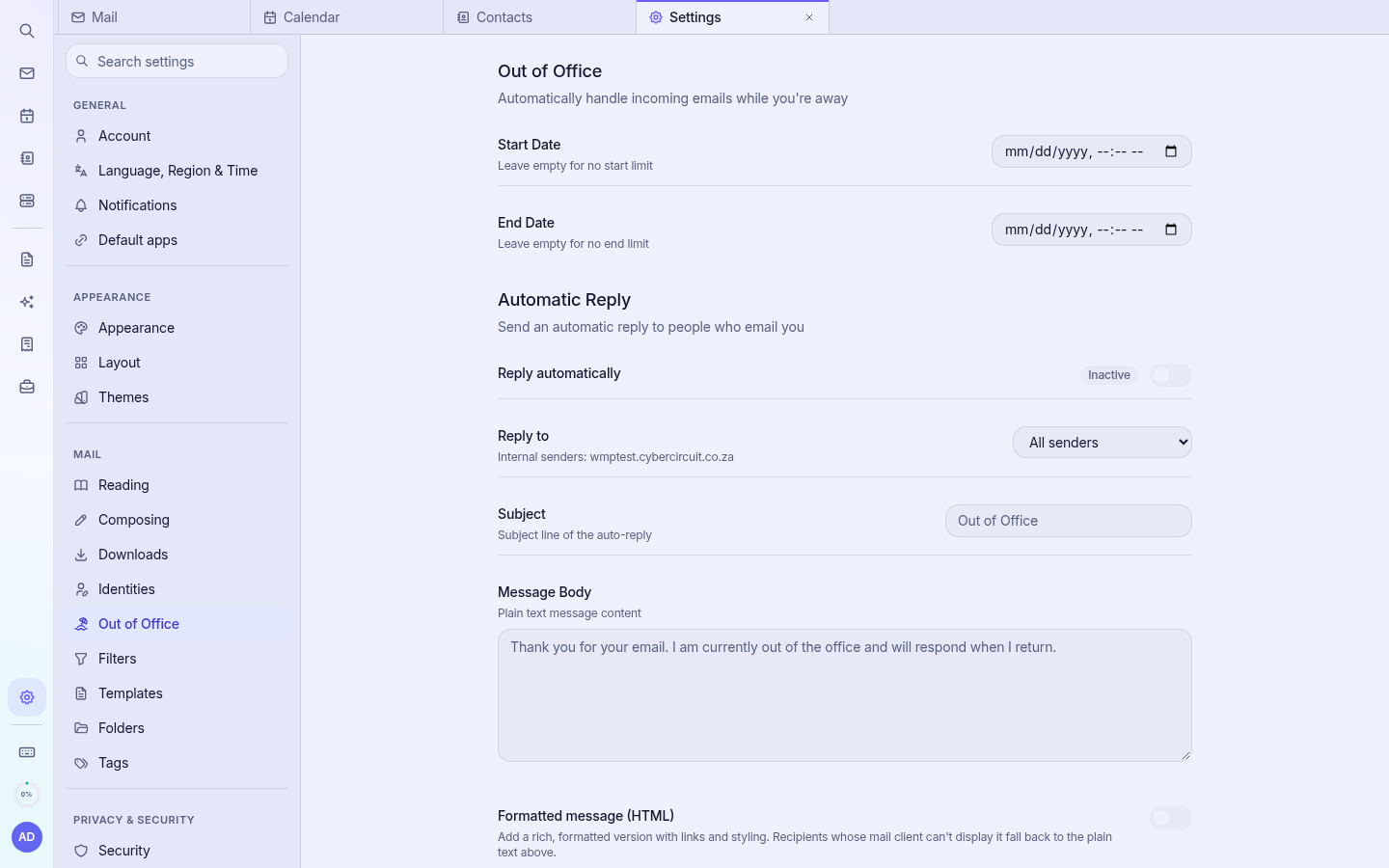
Out of office
Under Settings › Out of Office, switch on the automatic reply, set the dates and write your message.