AI Assistant (search, actions and Confirm cards)
Ask questions across all your apps and approve actions safely.
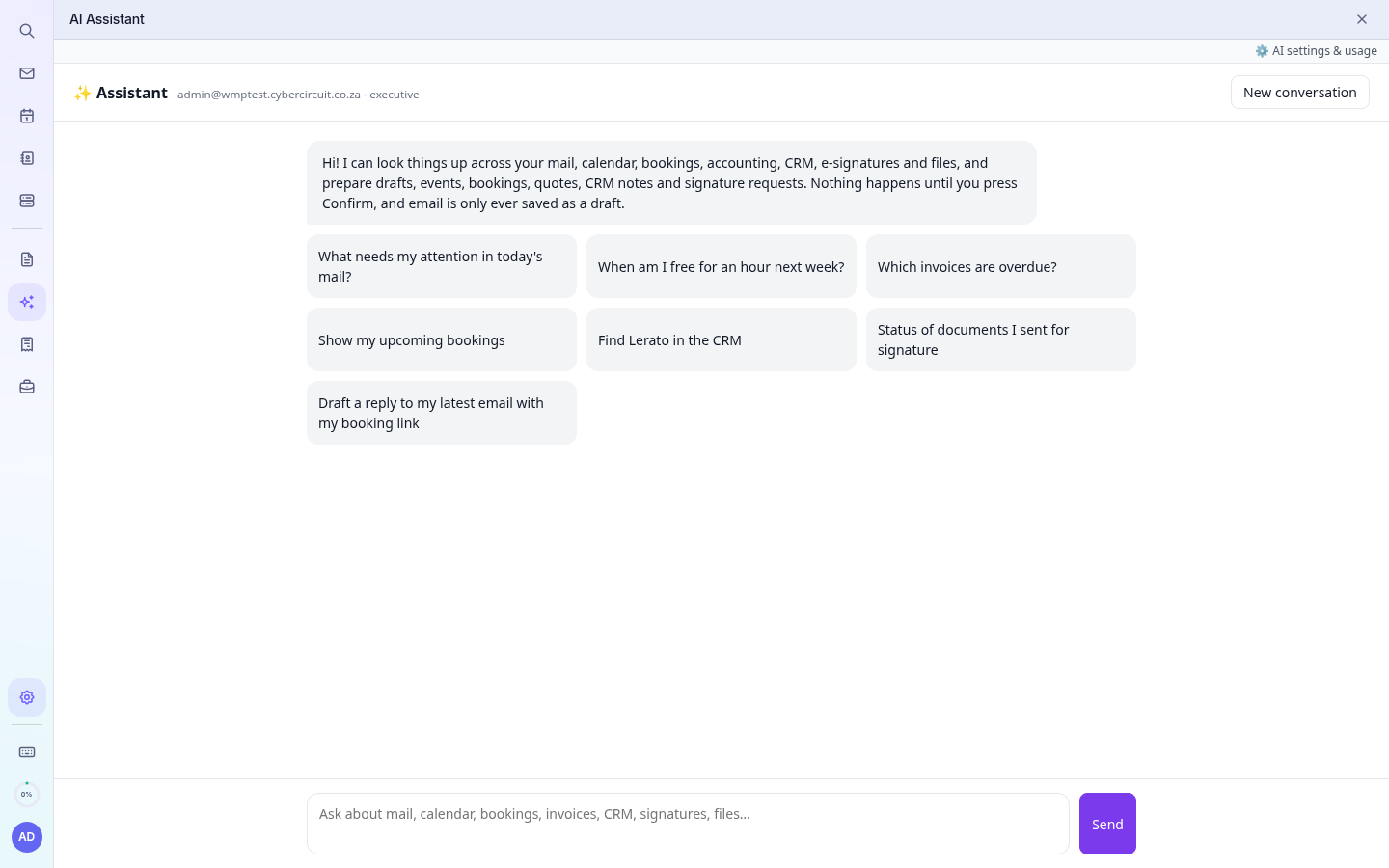
Open AI Assistant in the left rail. Ask in plain language, for example:
- What needs my attention in today's mail?
- When am I free for an hour next week?
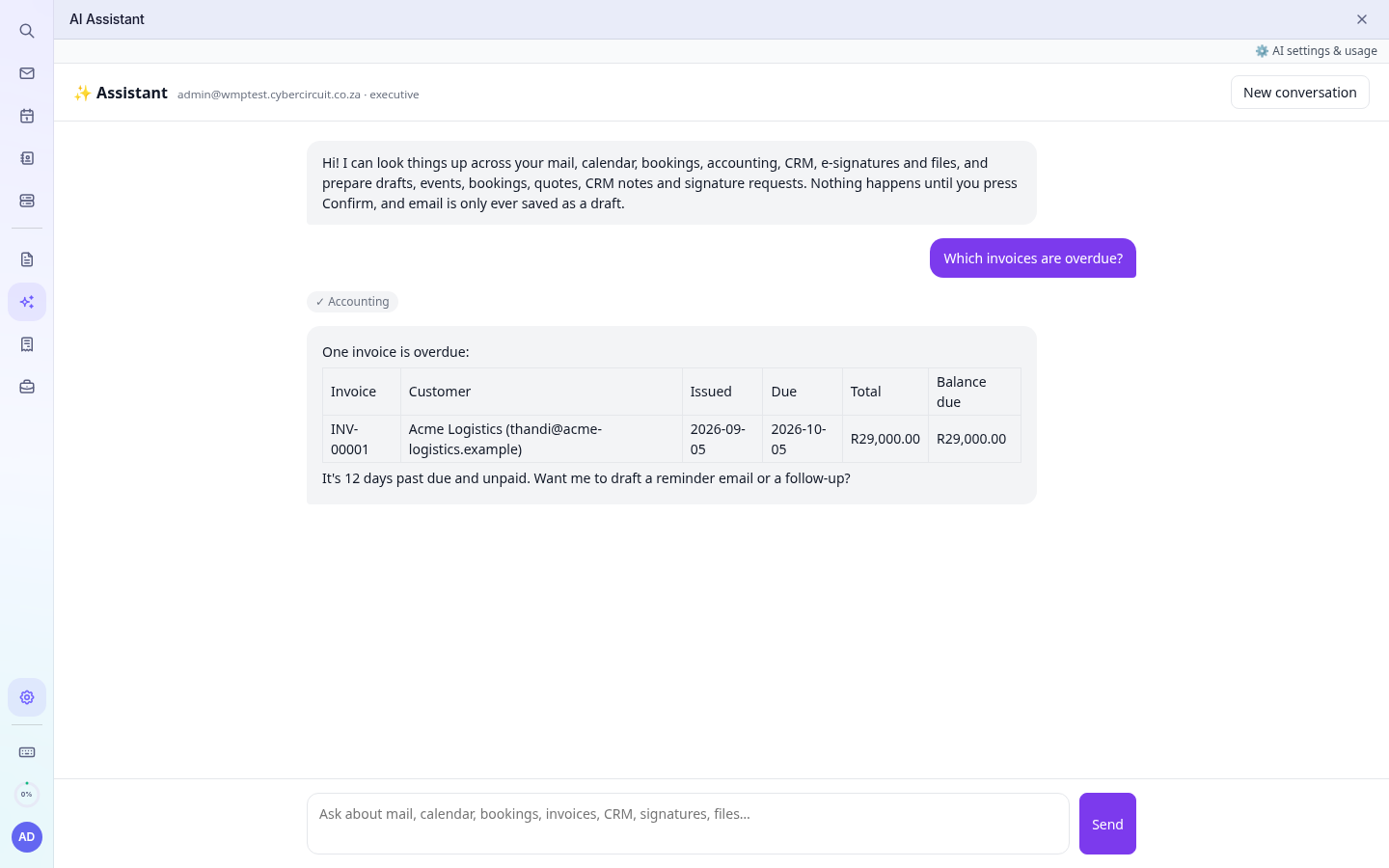
- Which invoices are overdue?
- Show my upcoming bookings
- Find Lerato in the CRM
- What is the status of documents I sent for signature?
What it can read
Your mail, calendar and free/busy time, booking pages and bookings, Accounting (invoices, quotes, customers, items), CRM contacts and leads, e-signature status and your files. It only sees your own data and that of your company, never other customers'.
Actions and Confirm cards (Executive)
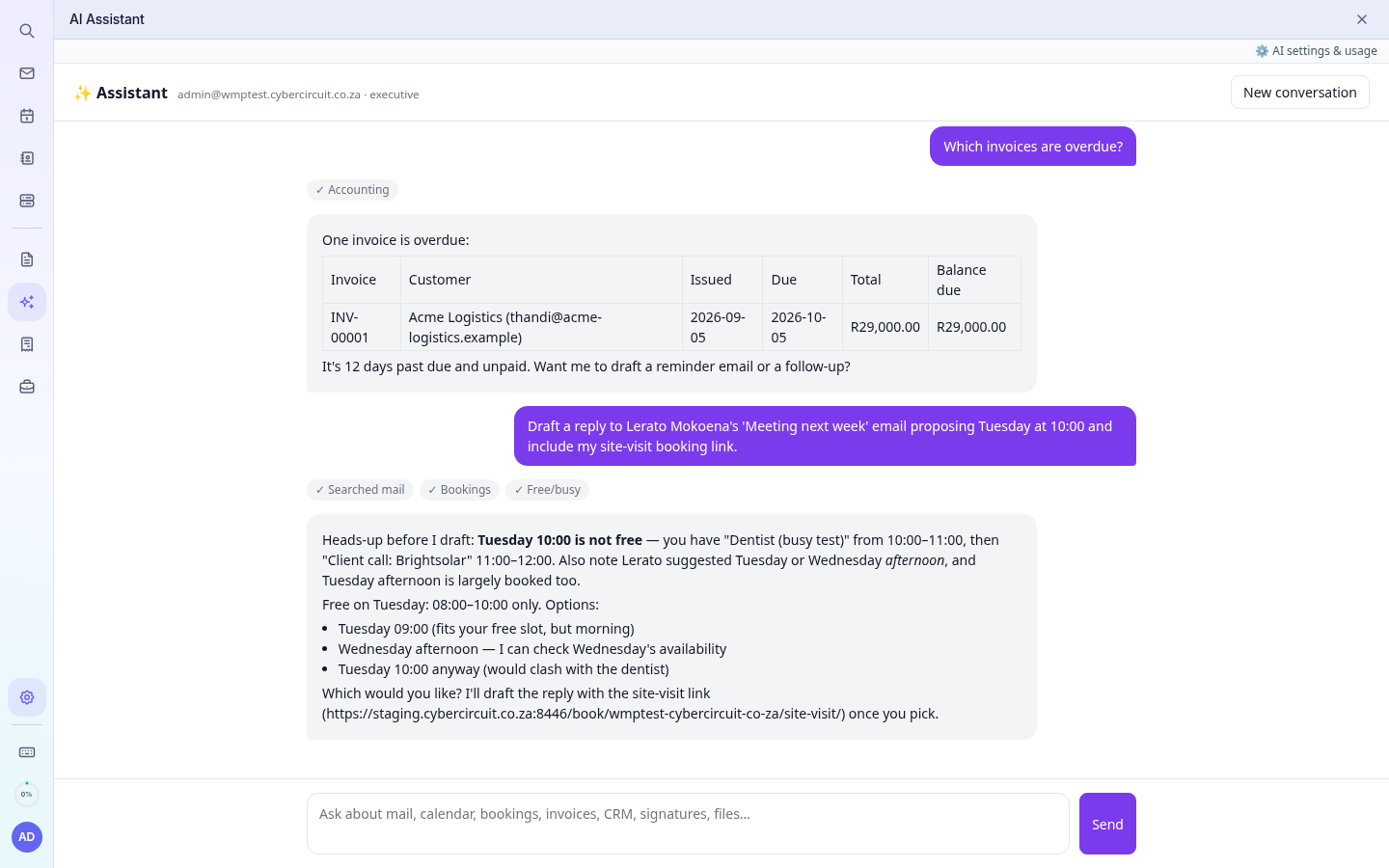
On the Executive AI plan the assistant can prepare actions: draft a reply, insert a booking link, add a calendar event, book a slot, create draft quotes or invoices, log a CRM call, or send a quote for signature. Nothing happens until you click Confirm on the card it shows. You can Cancel instead, and cards expire after 10 minutes.
Tiers
| AI plan | What you get |
|---|---|
| None | AI Assistant hidden (the Writing Assistant still works) |
| Business | Search and answers across your apps (read-only) |
| Executive | Everything in Business, plus actions with Confirm cards |
Usage counts against your monthly AI allowance. AI settings & usage (top right) shows what has been used.