E-signatures
Send documents and quotes for signature, track them and keep signed copies.
E-signatures are included on the Business and Executive e-sign plans, with no limit on documents or signers.
Send a document from Docs
- In Docs, open Sign (or use Send for signature next to a file in My Files).
- Choose the file. Word, Excel and PowerPoint files are converted to PDF automatically.
- Add each signer's name and email address.
- Place the signature (and date/name) fields and send.
Send a quote from Accounting
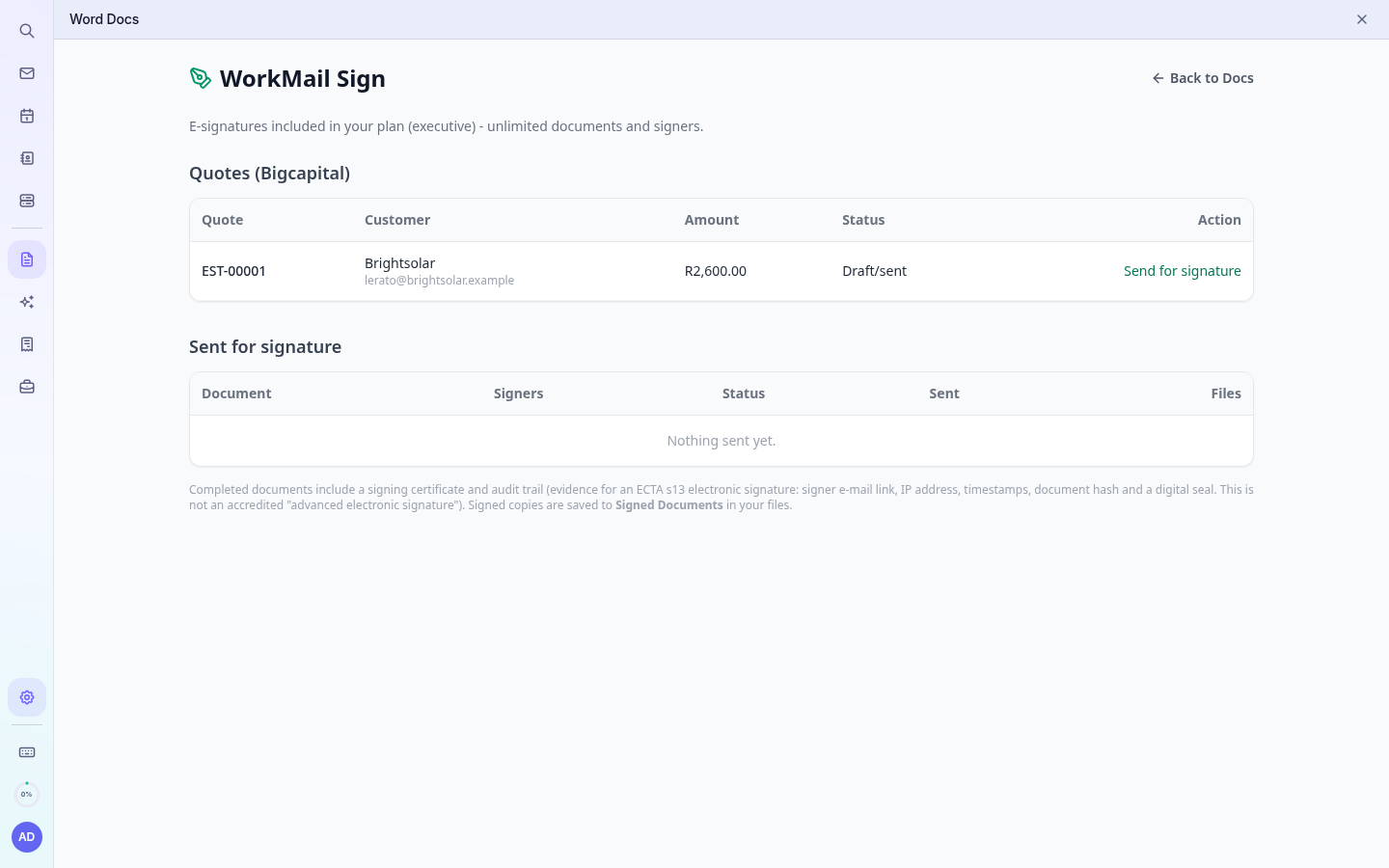
Quotes created in Accounting are listed under Quotes on the Sign page. Click Send for signature. When the customer signs, the quote is marked approved in Accounting automatically and the activity is logged in the CRM.
Tracking and signed copies
- The Sent for signature list shows each document's status (sent, viewed, signed, completed).
- When everyone has signed, all parties receive the signed PDF and signing certificate by email.
- A copy is saved automatically to your Files in the folder Signed Documents.
- The AI Assistant can also tell you the status: “Has Acme signed the quote yet?”
Legal note (South Africa)
Documents are signed with a simple electronic signature as recognised by the Electronic Communications and Transactions Act, 2002 (ECTA, section 13). Each completed document includes a signing certificate and audit trail (signer email link, IP address, timestamps, document hash and a digital seal) as evidence.
Important: This is not an accredited “advanced electronic signature”. A few documents legally require one or a wet-ink signature, for example wills, the sale of immovable property (land) and long-term leases of land, and bills of exchange. If unsure, ask your legal adviser.