Contacts and calendar
Address books, events, invitations and booking sync.
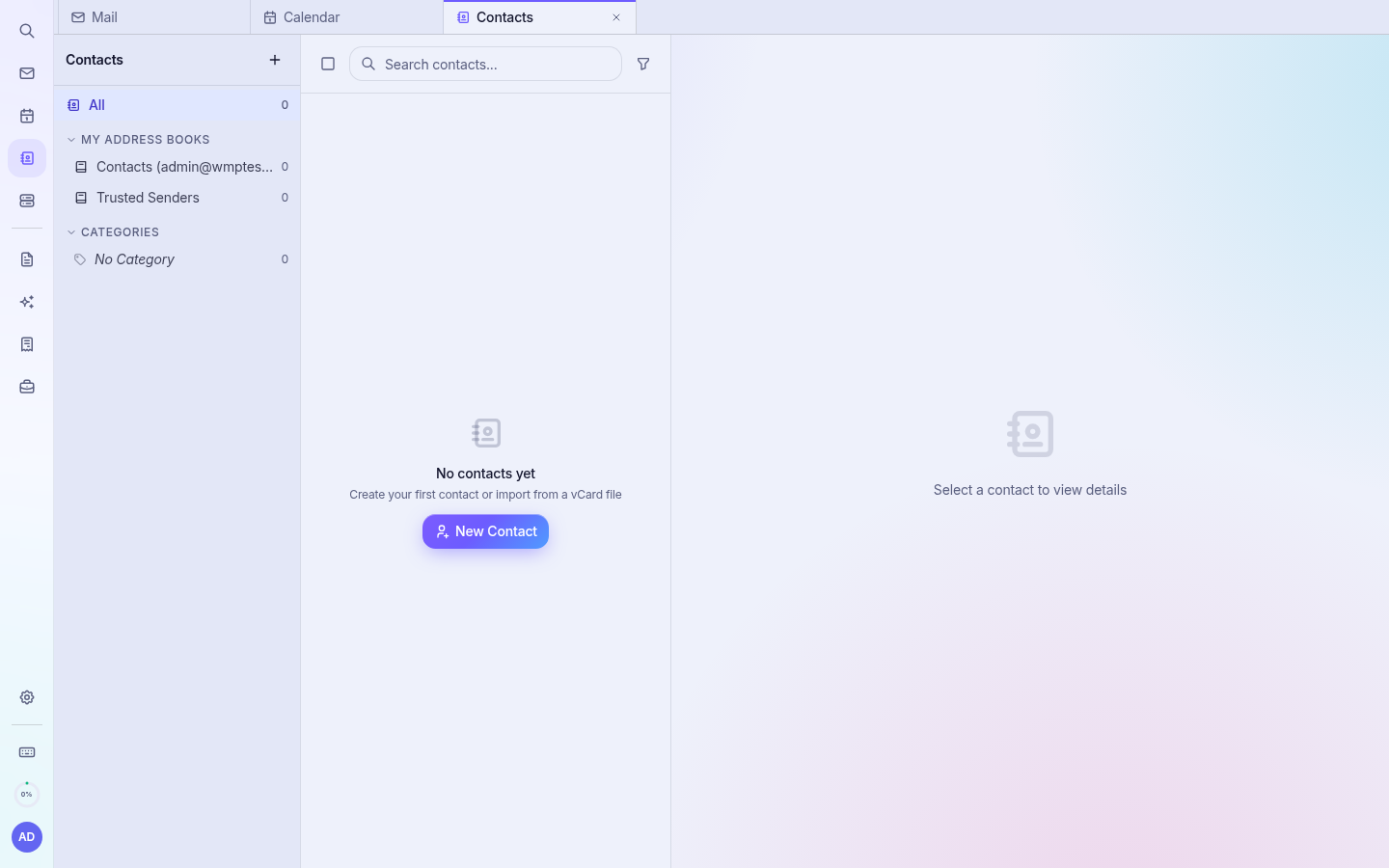
Contacts
Open Contacts in the left rail. Click New Contact to add one, or use categories and address books to group them. Contacts are suggested automatically when you type a recipient.
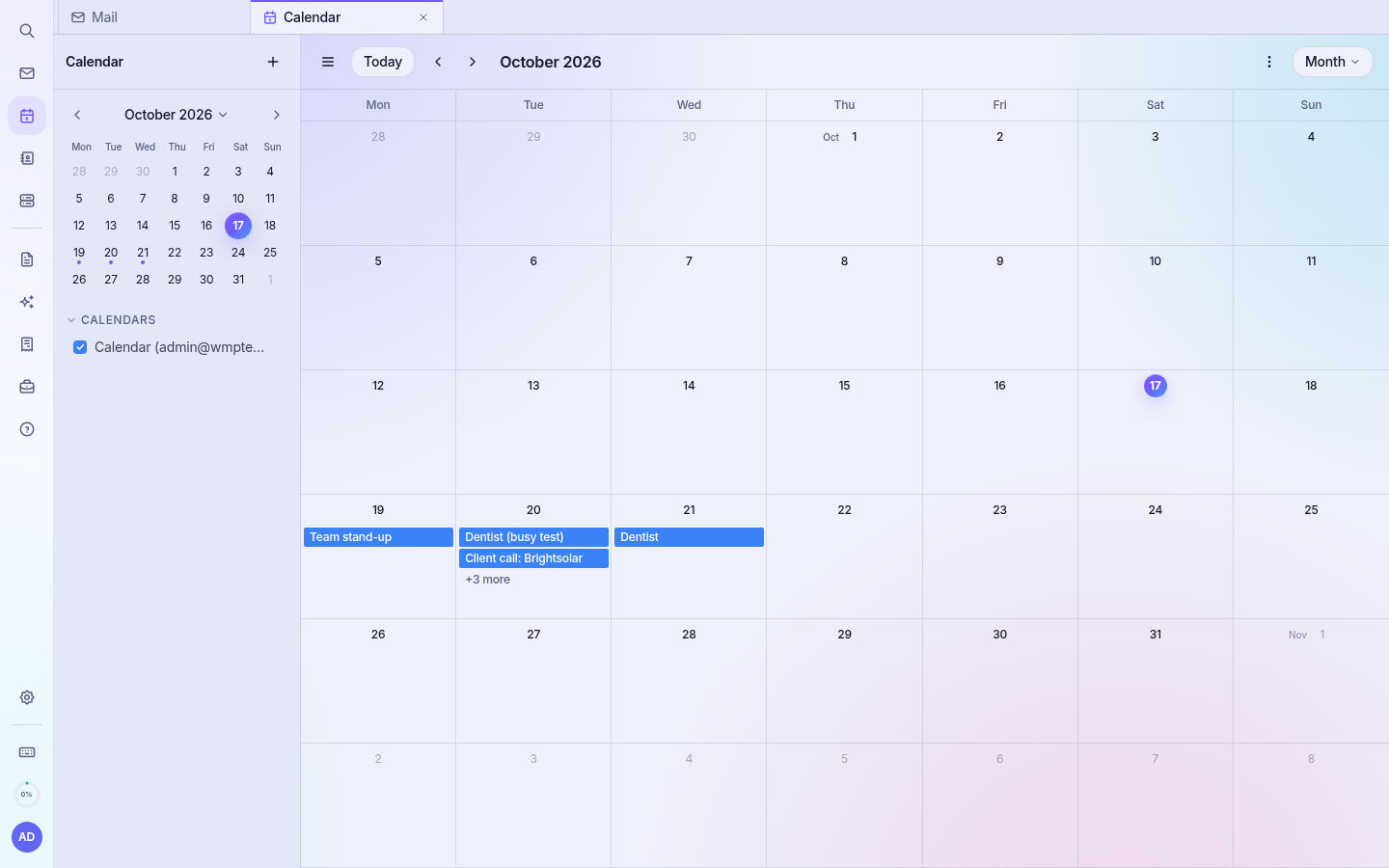
Calendar
Open Calendar. Click Create event or click a day. Switch between month, week and day views. Bookings made on your public booking pages appear here automatically (see Online booking).