Invoicing in Docs: overview
Quick quotes and invoices with online payment.
Invoicing lives inside Docs. It is a simple, fast way to send professional quotes and invoices, with optional online payment through your own PayFast or Yoco account.
- Open Docs in the left rail.
- Click the Invoice / Quote card.
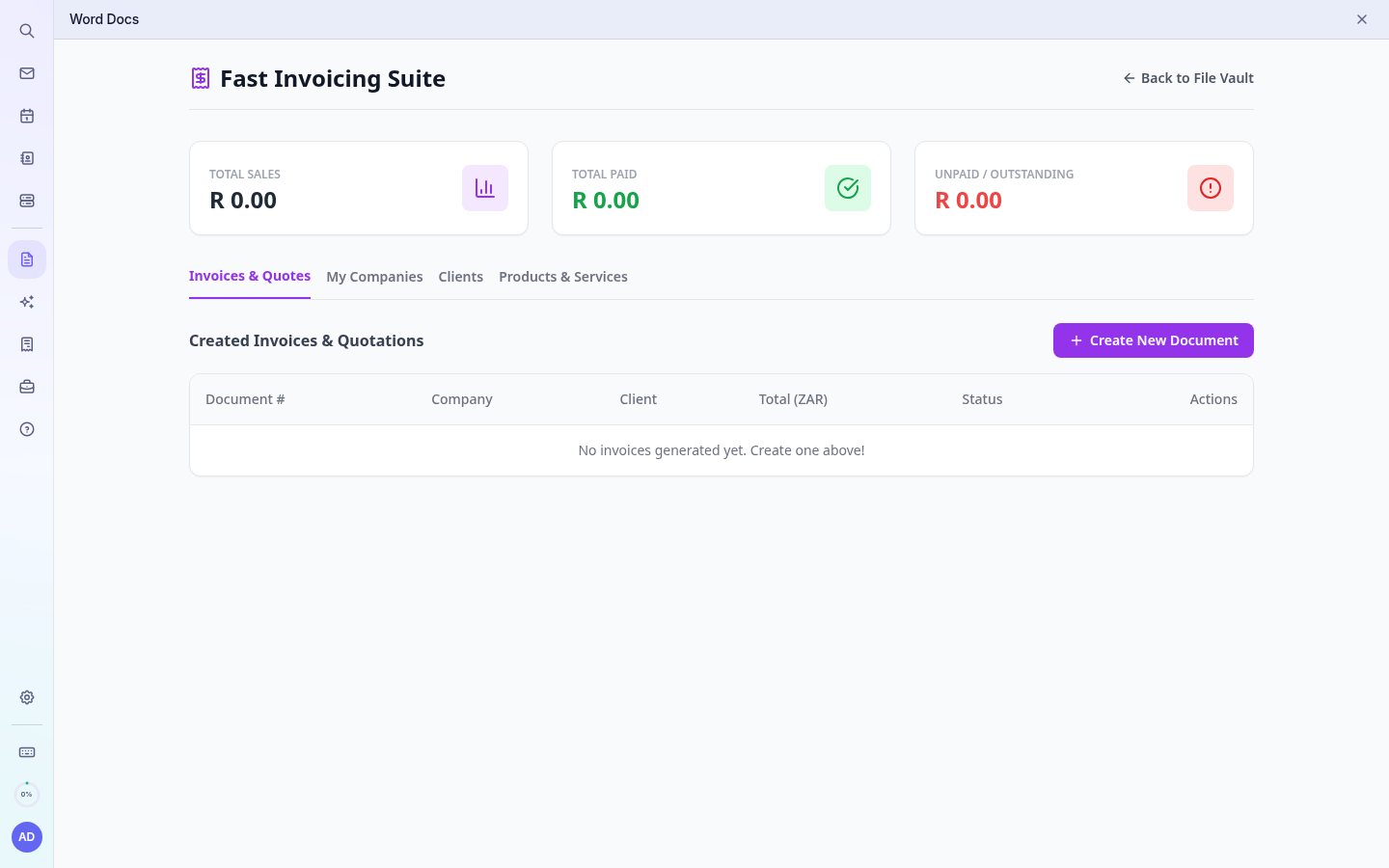
What you can do
- My Companies: one or more businesses you bill from (logo, address, bank details, PayFast/Yoco).
- Clients: saved customers you bill often.
- Products & Services: saved items with prices.
- Invoices & Quotes: create PDFs, convert quotes to invoices, email them, track Paid/Unpaid.
The totals at the top show Total sales, Total paid and Unpaid / outstanding for your invoices (quotes are not counted).
Note: Every PDF is also saved in your file vault in the Invoices & Quotes folder. Your invoicing data belongs to your own mailbox login, so each user has their own list.