Track payments
Paid, unpaid and totals.
- Online payments are confirmed with PayFast or Yoco and the invoice switches to PAID automatically, with the method and date shown underneath.
- For EFT, cash or other payments, click the UNPAID badge to mark the invoice PAID (click again to undo).
- The totals at the top update straight away.
- Opening the pay link of a paid invoice shows Already paid, so clients can't pay twice.
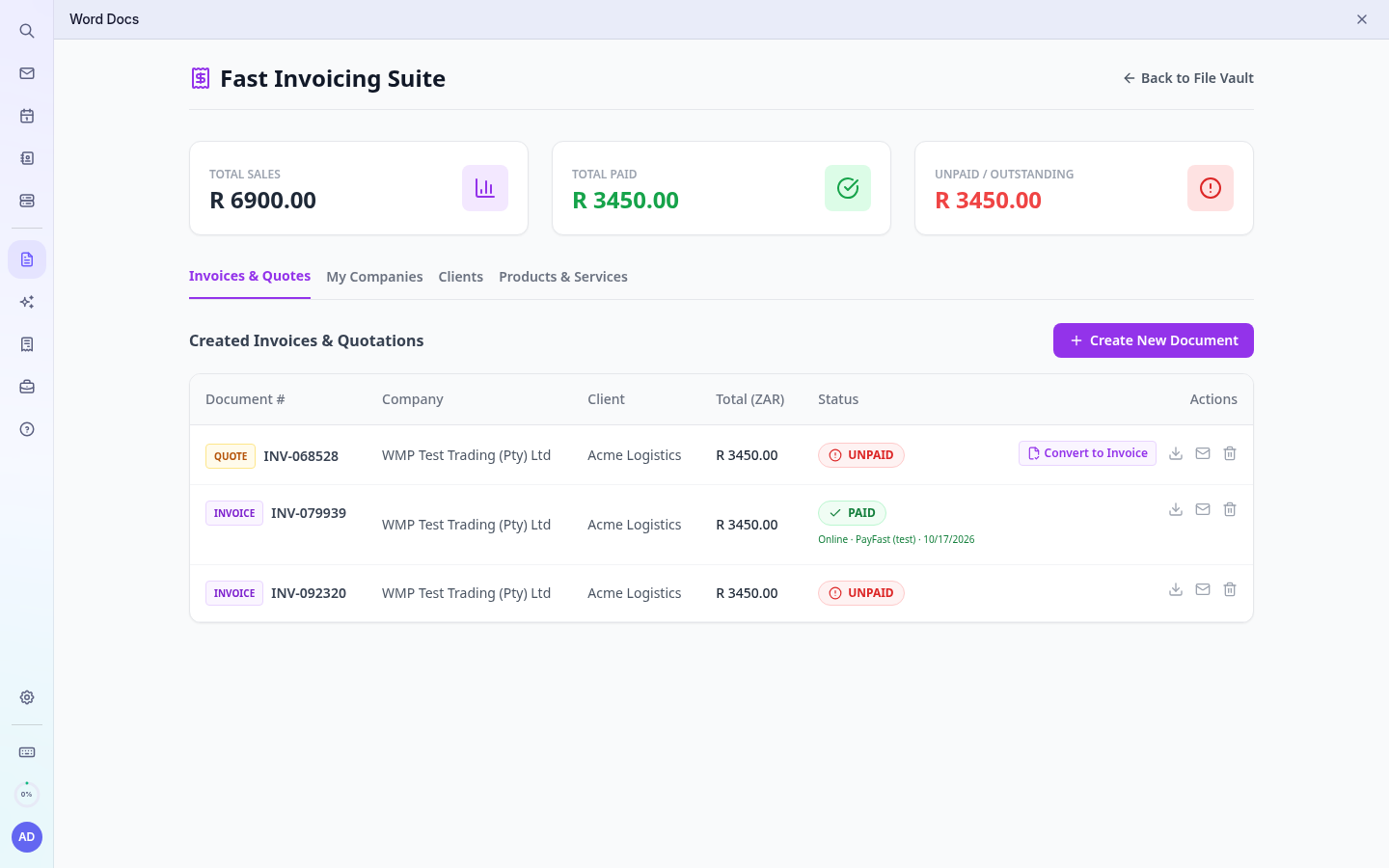 Invoice marked paid via PayFast
Tip: Refunds are done in your PayFast or Yoco dashboard; then mark the invoice unpaid if needed.