Set up your company
Business name, logo, address and bank details.
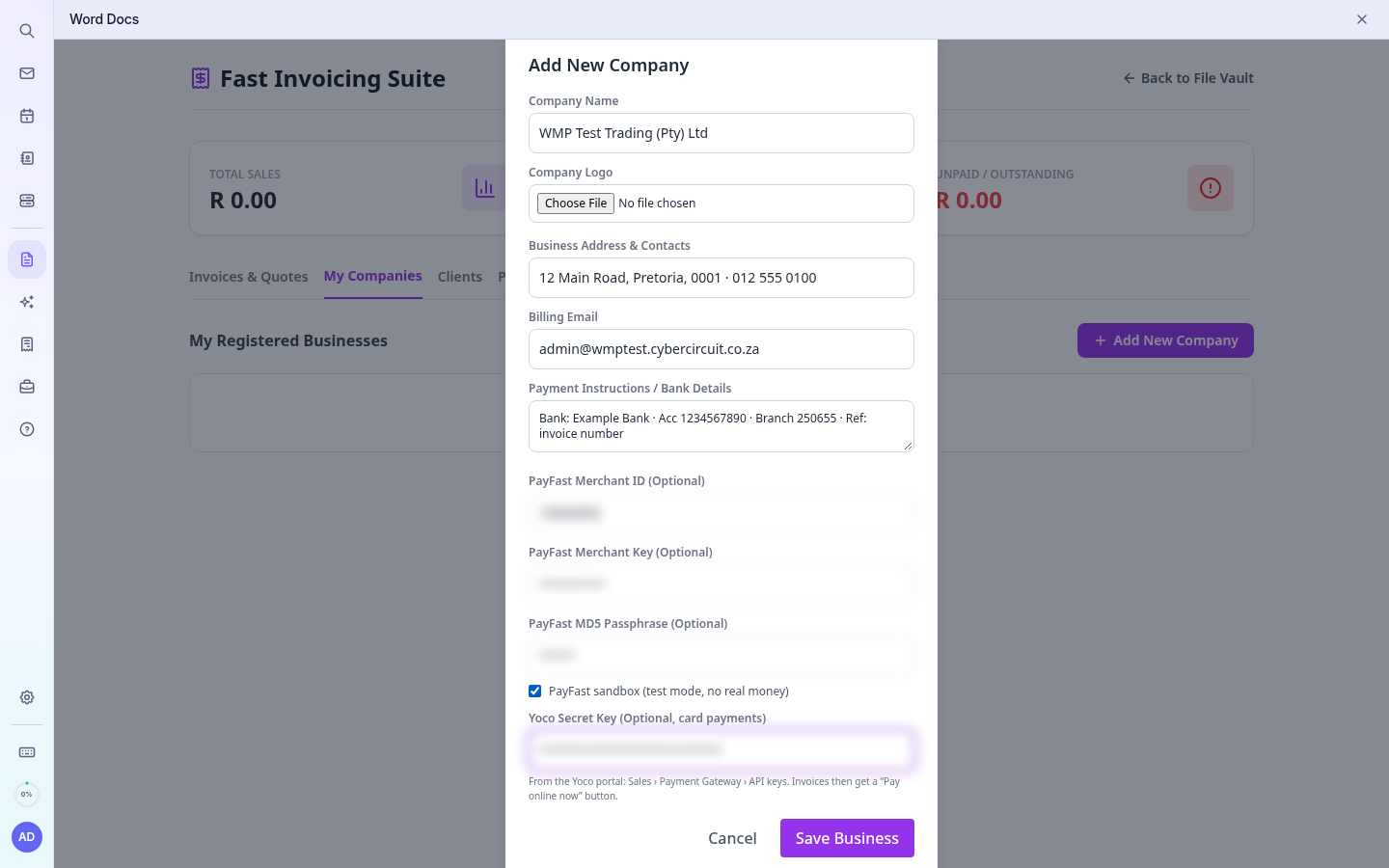
- In Invoicing open My Companies › Add New Company.
- Enter the company name and upload your logo (PNG or JPG, up to 5 MB).
- Add your address and contact numbers and the billing email.
- Under Payment Instructions / Bank Details enter your bank, account number, branch code and the reference to use.
- Optional: add PayFast and/or Yoco details so clients can pay online (see Get paid online).
- Click Save Business.
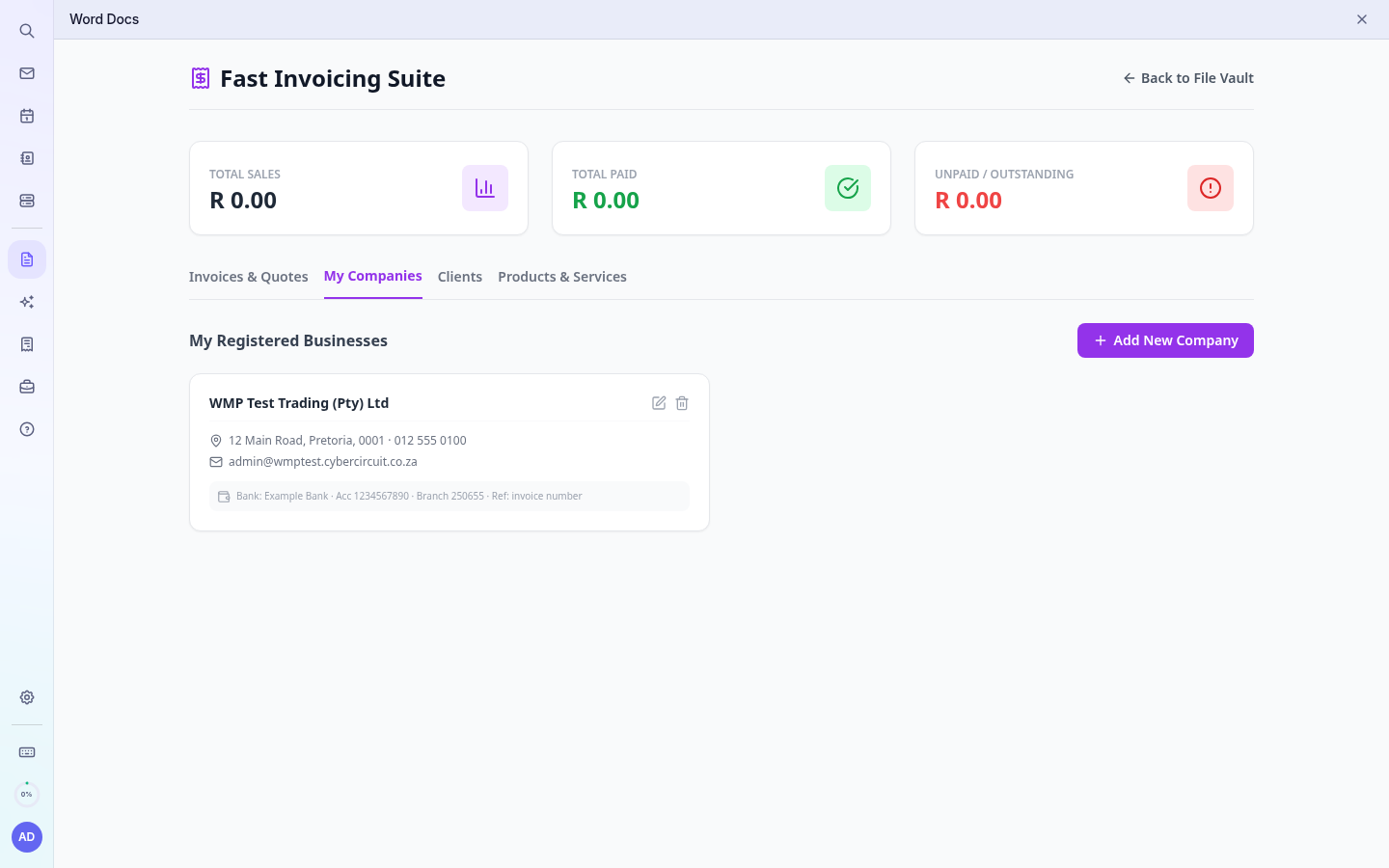
Tip: You can add several companies (for example two trading names) and choose which one to bill from on each document.