Signatures and identities
Set up your email signature and sender names.
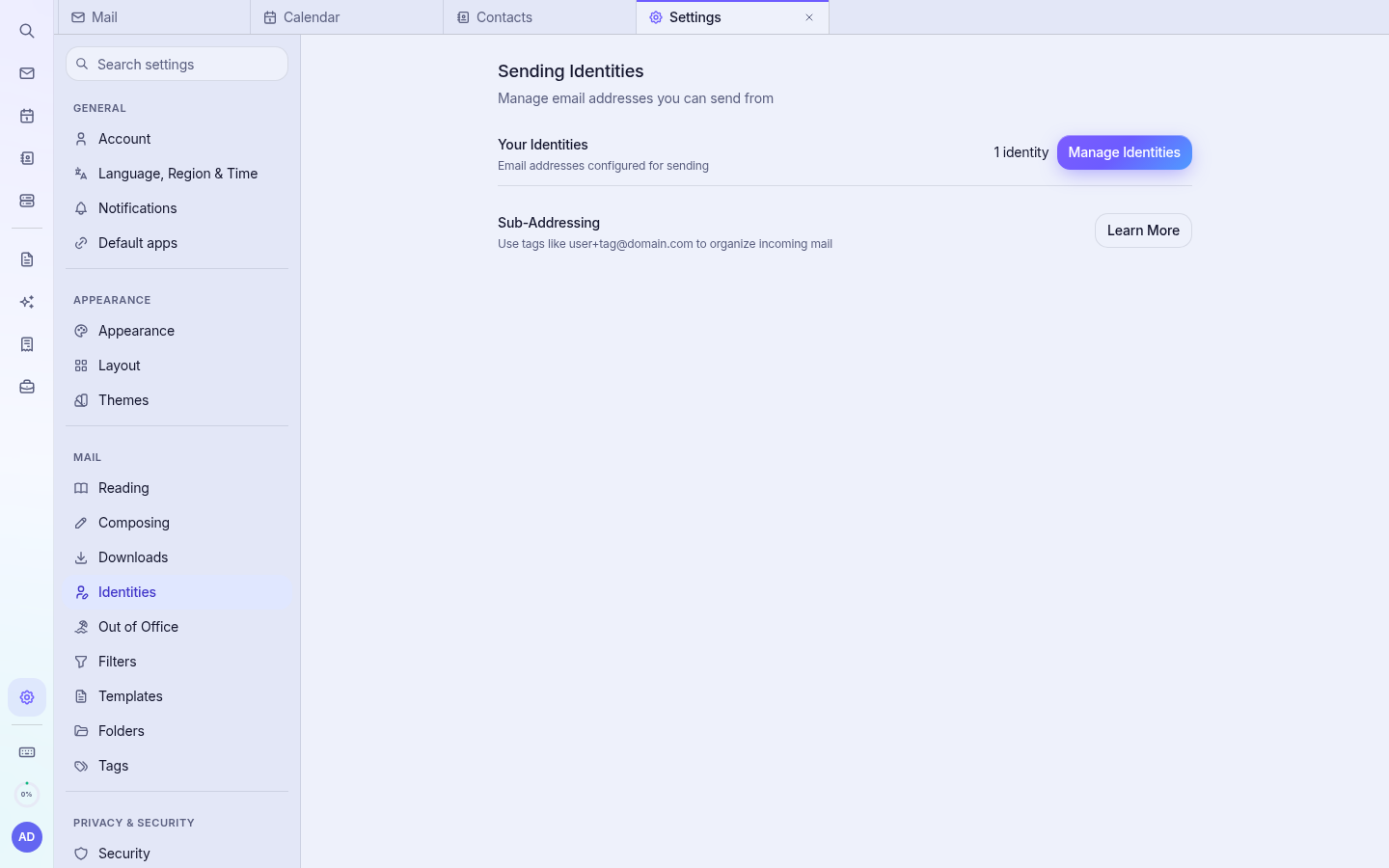
- Open Settings › Identities.
- Select your address (or add another identity, such as an alias).
- Set the display name and paste or type your signature. You can use formatting and a logo image.
- Save. The signature is added to new emails and replies.
Tip: Keep logos small (under 50 KB) so they display quickly on phones.