Docs
Documents, spreadsheets, presentations and PDFs.
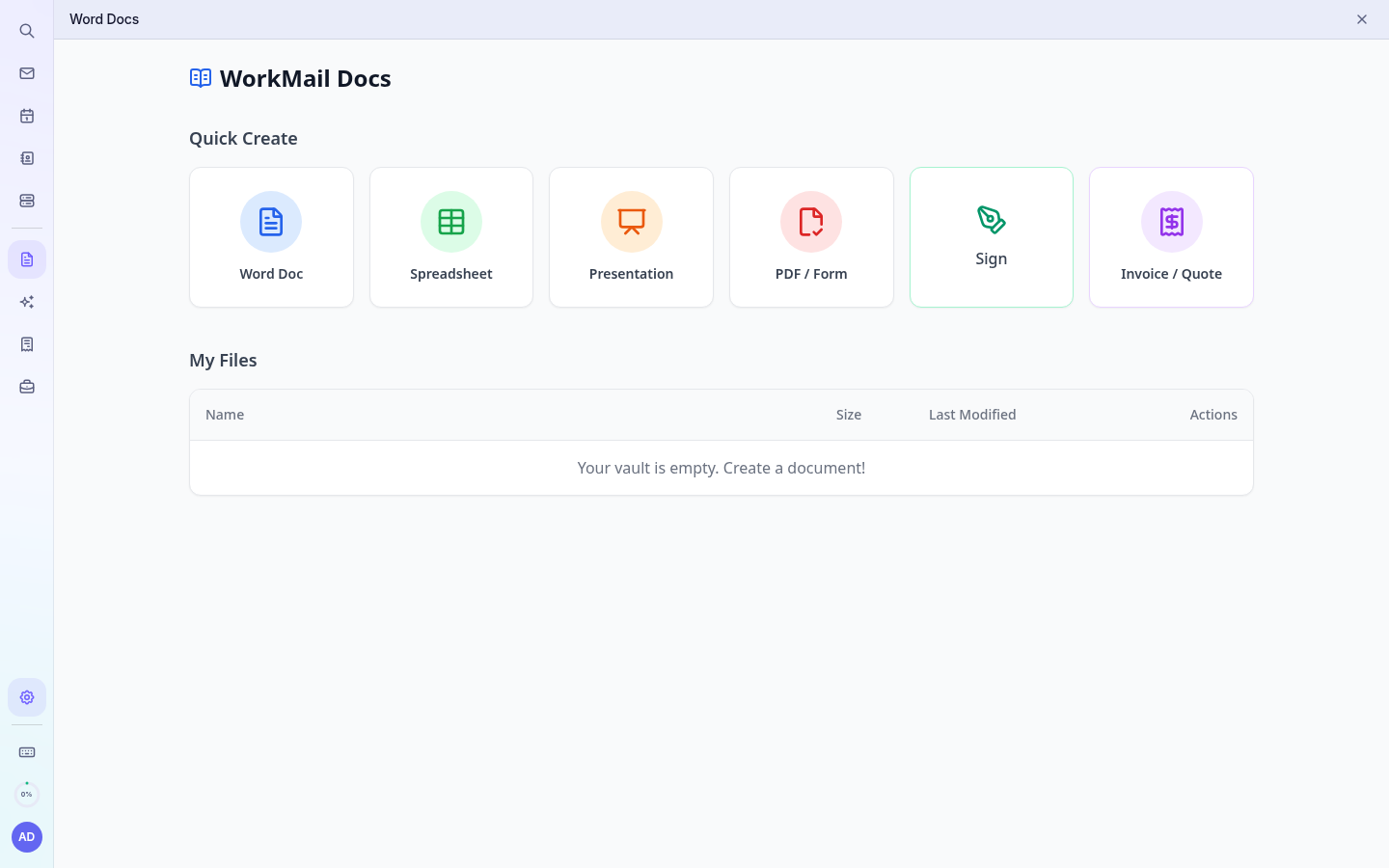
- Open Word Docs in the left rail. The first time, confirm your email and password to link your file vault.
- Under Quick Create, choose Word Doc, Spreadsheet, Presentation or PDF / Form.
- The editor opens in your browser and saves automatically.
- Your files are listed under My Files, where you can download, rename, delete or send them for signature.
Tip: Word, Excel and PowerPoint files you upload open in the same editor. Files attached to emails can be saved to Files.