Reading and writing email
Compose, reply, attach files, schedule and use templates.
Read and reply
Click a message in the list to open it in the reading pane. Use Reply, Reply All or Forward at the top of the message.
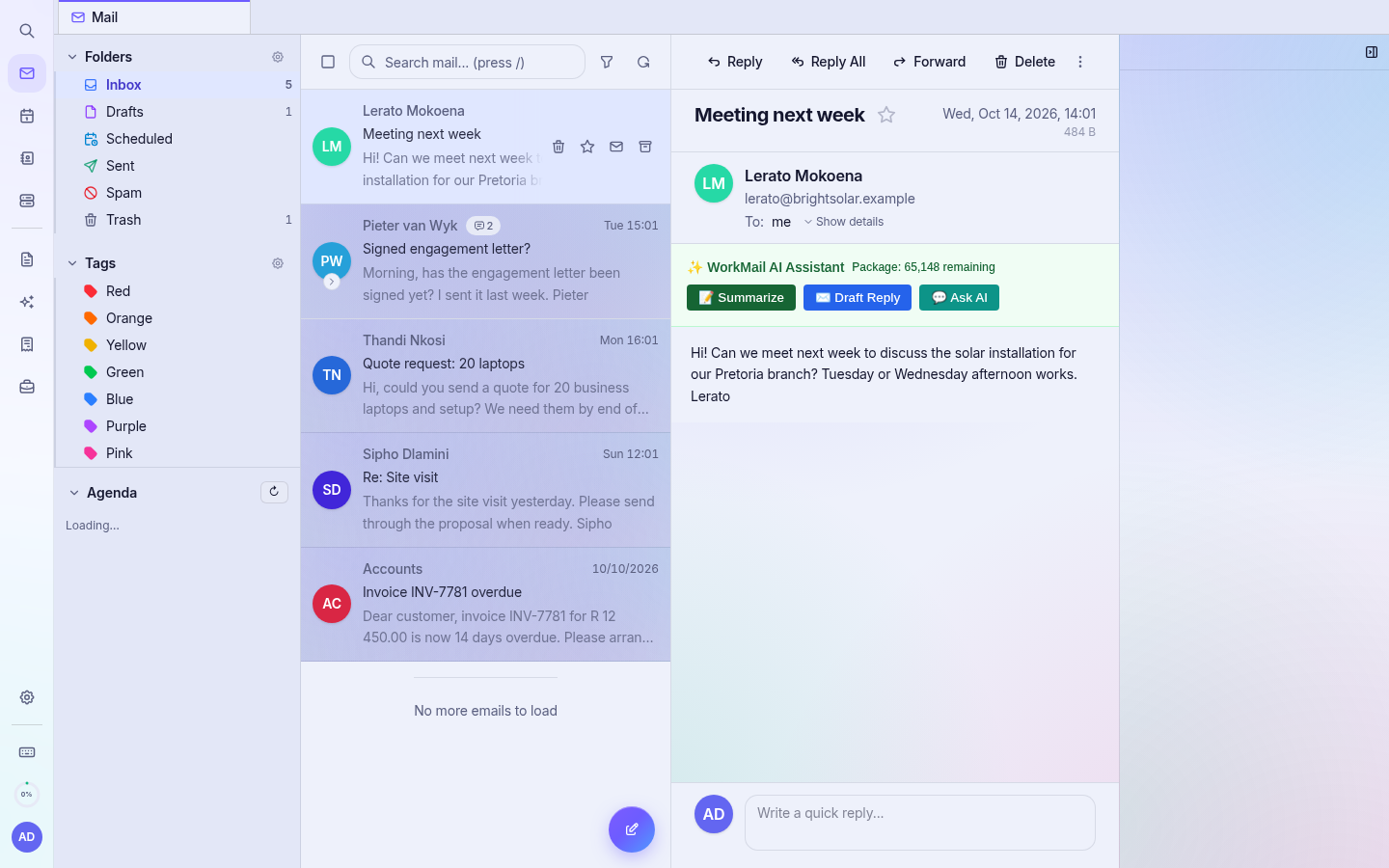
Write a new email
- Click the Compose button (or press c).
- Type the recipient in To. Use Cc/Bcc if needed.
- Add a Subject and your message. Use the toolbar for bold, lists, links and tables.
- Click Attach to add files.
- Click Send, or use the arrow next to Send to Schedule send.
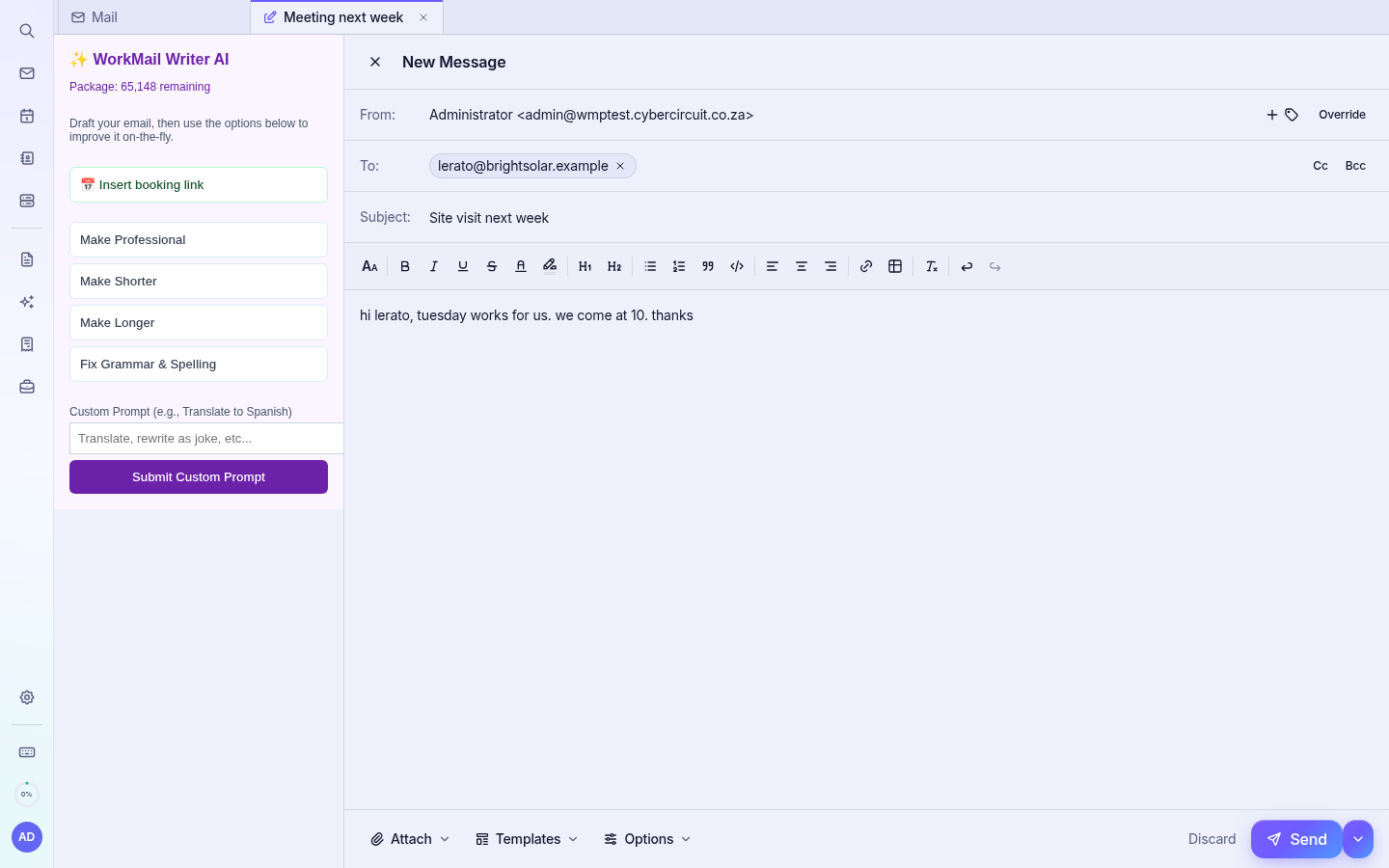
Tip: Templates at the bottom of the compose window insert saved replies. Create them under Settings › Templates.
Search
Use the search box above the message list (press /). The magnifying glass at the top of the left rail searches everything: mail, contacts and events.